

EtchDroid ISO to USB Writer APK
2.1
EtchDroid ISO to USB Writer
EtchDroid ISO to USB Writer APK
Download for Android
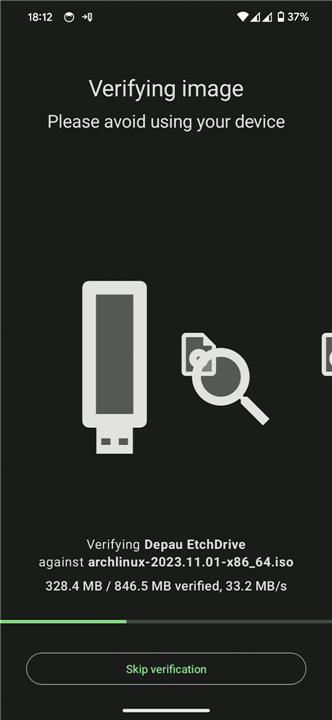
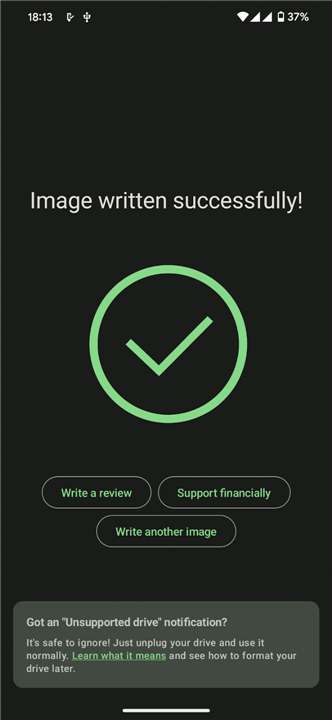
EtchDroid ISO to USB Writer
Overview
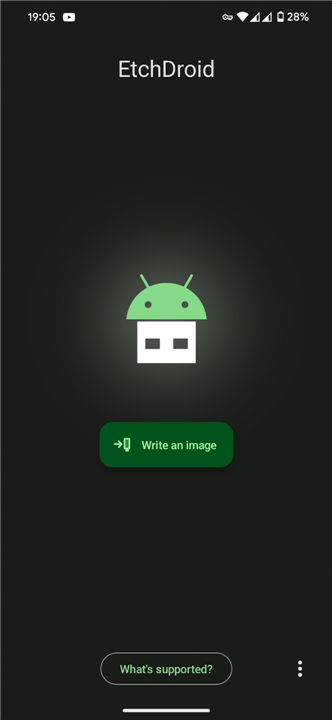
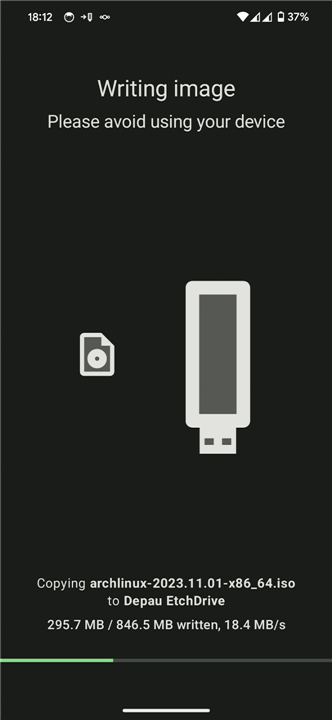
• EtchDroid is an open-source Android application designed to write operating system images directly to USB storage devices.
• It serves as an essential system rescue tool, allowing you to create bootable USB drives directly from your smartphone or tablet—no root access required.
• This is especially useful when your primary laptop or PC is dead and you need to flash a recovery OS.
Supported Devices
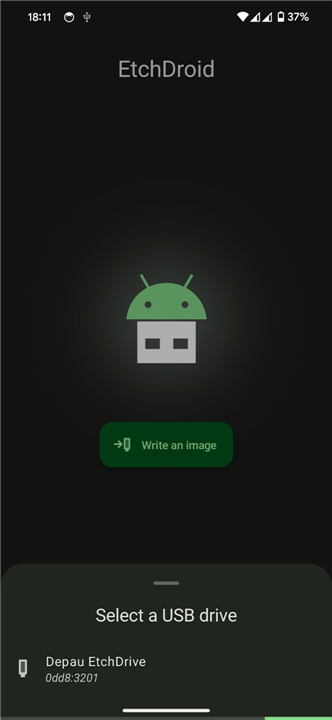
• USB flash drives (thumb drives) connected via a USB OTG cable or adapter
• USB SD card adapters and readers
• Not compatible with external USB hard drives or solid-state drives (SSDs)
• Not compatible with USB docks, multi-port hubs, or internal SD card slots
• Does not support optical disc drives, floppy disk drives, or Thunderbolt-only devices
Supported Disk Image Types
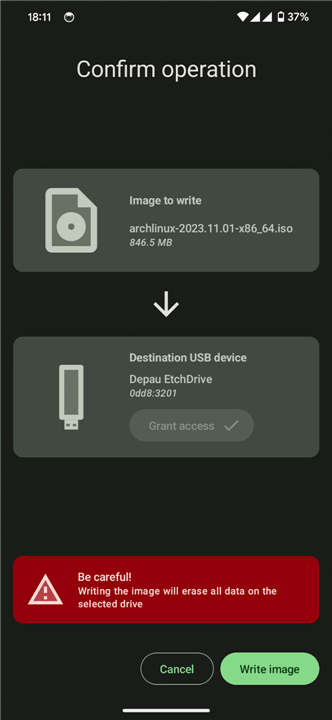
• Modern GNU/Linux and BSD operating systems, including Ubuntu, Debian, Arch Linux, Fedora, Pop!_OS, Linux Mint, FreeBSD, and BlissOS
• Raspberry Pi SD card images, though they must be unzipped before flashing
• Not compatible with official Microsoft Windows ISOs
• Not compatible with Apple DMG disk images
• Does not support legacy operating system images released before 2010, such as older versions of Damn Small Linux
• Community-built Windows images designed specifically for EtchDroid are technically supported, but users should exercise caution as they may contain security risks
Project Source Code
• EtchDroid is a fully open-source project.
• You can inspect the source code, report bugs, request features, or contribute to the development process by visiting the official GitHub repository at https://github.com/EtchDroid/EtchDroid.
FAQ
Q: Do I need to root my Android device to use EtchDroid?
A: Not at all! You do not need root access to use EtchDroid. The app is designed to work seamlessly on standard, unrooted Android devices, making it safe, easy, and accessible for anyone who needs to create a bootable USB drive in an emergency.
Q: What kind of USB devices can I write operating system images to using this app?
A: EtchDroid works beautifully with standard USB flash drives, often called thumb drives, connected directly to your Android device using a USB OTG (On-The-Go) cable or adapter. It is also compatible with USB SD card adapters and readers, allowing you to write images to SD cards through those adapters.
Q: Are there any USB storage devices that EtchDroid does not support?
A: Yes, there are some hardware limitations to keep in mind. EtchDroid is not compatible with external USB hard drives or solid-state drives (SSDs). It also does not support USB docks, multi-port hubs, internal SD card slots, optical disc drives, floppy disk drives, or Thunderbolt-only devices.
Version History
v2.1——18 Aug 2026
EtchDroid is a utility app that writes disk images to USB drives. Download the latest version of EtchDroid ISO to USB Writer to enjoy new features and updates immediately!
*2.1
Quality-of-life release with bug fixes and new translations.
• Improved reliability: fixed several crashes while writing to USB drives
• Very large USB drives that can't be written now show a clear error message
• Fixed a crash when opening images on some Android 13 devices
• Telemetry is now correctly disabled on microG-based ROMs
• Added new translations: Finnish, Galician, Burmese, Sardinian, Slovak and Ukrainian
*2.0
Major rewrite of EtchDroid!
• New Material You UI, much more intuitive and easier to use!
• EtchDroid will now recover from most write failures and ask you to unplug and reconnect your USB drive
• After writing the image, it will also be verified to ensure it didn't get corrupted
• The DMG functionality has been removed; use an older version if you still need it
*1.9
Getting close to EtchDroid 2.0!
Mostly performance fixes, getting ready for a release:
Greatly improved performance, especially during image verification
Fixed race condition in exception reporting during image verification
Tuned buffers and queues
Please test the app and report any issues! If you're a graphics designer I'd really appreciate suggestions on how to improve the app design.
Hit "Join discussion" below to report your feedback!











Ratings and reviews
There are no reviews yet. Be the first one to write one.