

Bluetooth Mini Thermal Printer APK
6.4.8.20
Bluetooth Mini Thermal Printer
Bluetooth Mini Thermal Printer APK
Download for Android
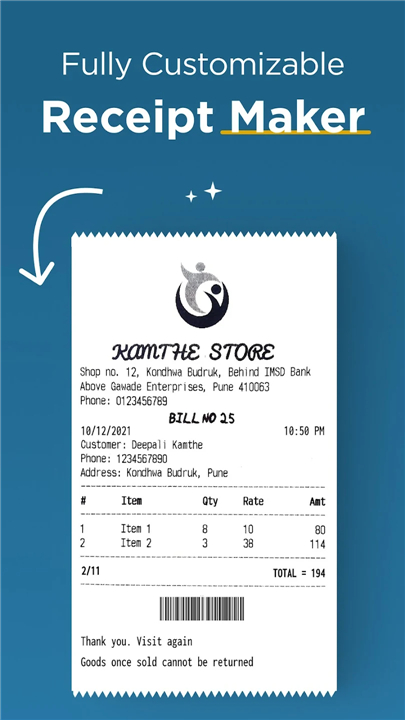
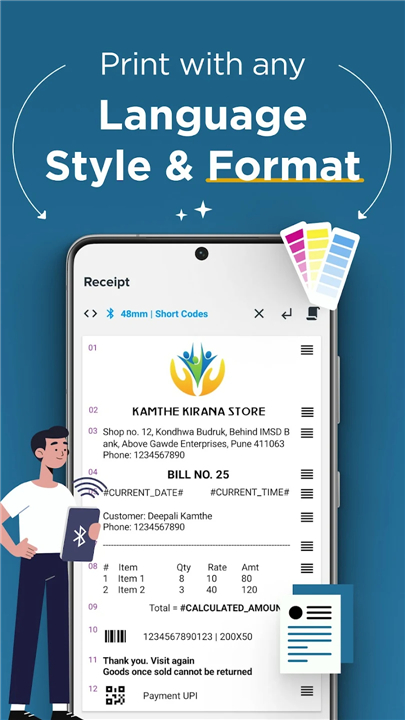
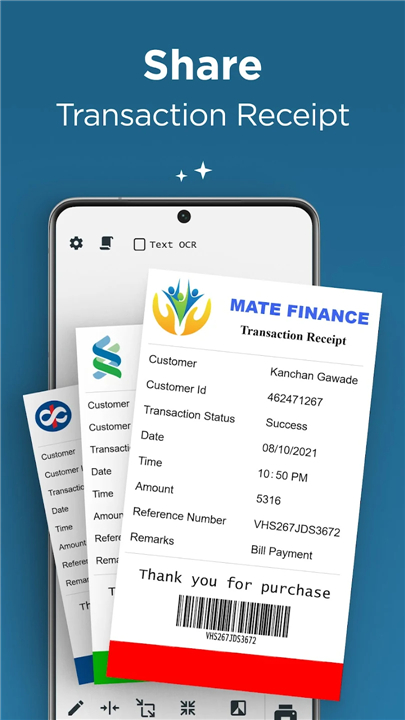
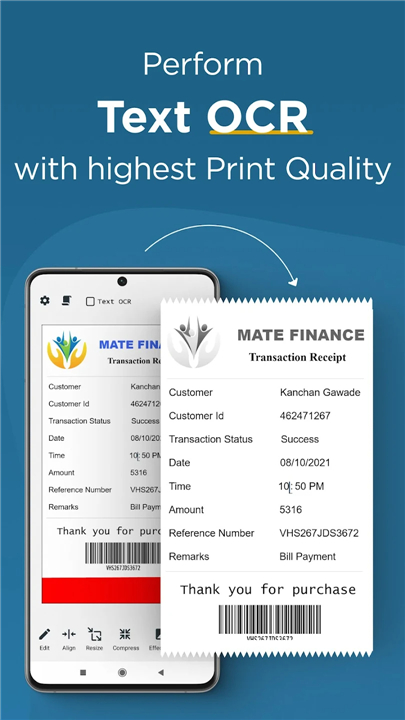
Thermer – The Ultimate Bluetooth & USB Thermal Printing App
Create Custom Receipts and Labels with Ease
• Need a simple way to design and print personalized receipts or labels directly from your phone?
• Thermer makes it effortless.
• As one of the most trusted and widely used thermal printing apps, it lets you print any type of content on your Bluetooth or USB thermal printer—quickly and professionally.
Why Choose Thermer?
1. Fully Customizable Printing
• Design receipts and labels with text, images, lines, barcodes, QR codes, tables, and more.
• Import files such as PDFs or notes and adjust layouts to suit your business.
2. OCR-Enabled Printing
• Print bank payment receipts and customer slips using advanced Optical Character Recognition for sharp, accurate results.
3. Multilingual and Multi-format Support
• Print in any language, style, or format.
• Set your own fonts, text sizes, and layouts for complete creative control.
4. Smart and Functional
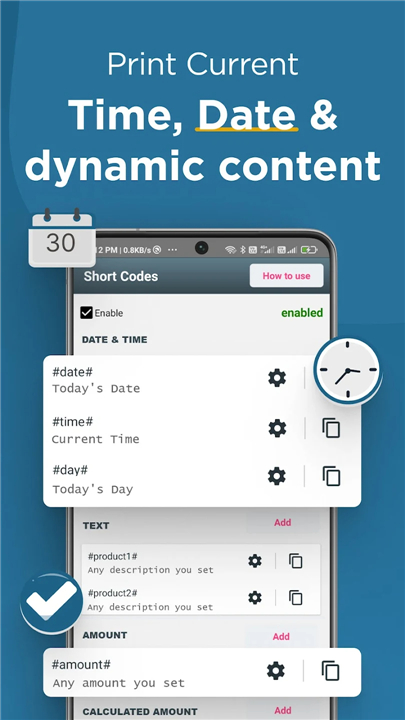
• Automatically include dynamic details like date, time, or transaction totals with simple short codes.
5. Convenient and Developer-Friendly
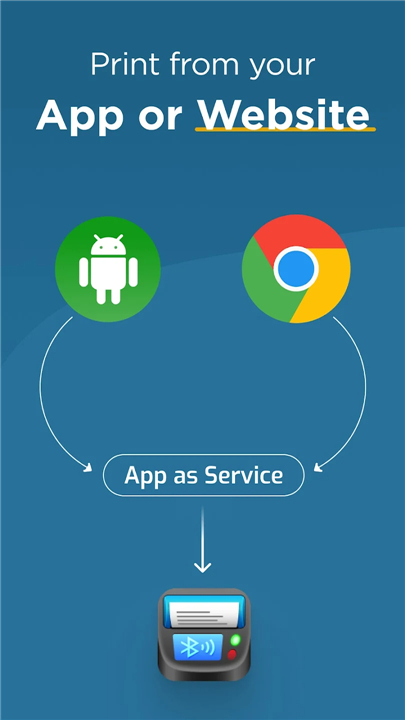
• Print directly from your Android app, website, or mobile device with just a few lines of code.
• Designed for simplicity without compromising customization.
6. Universal Compatibility
• Works seamlessly with all Bluetooth and USB thermal printers that support ESC/POS commands.
Key Features
• Print from your phone to any Bluetooth or USB thermal printer.
• Create and print custom receipts, labels, and documents.
• Add images, barcodes, QR codes, and PDFs.
• Print directly from your gallery or camera.
• Perform OCR for text-based documents.
• View and manage your print history.
How It Works
1. Create – Add text, images, QR codes, or barcodes to your receipt. Rearrange and preview before printing.
2. Share – Export receipts as images or PDFs, make adjustments, and print instantly.
3. Integrate – Connect Thermer to your website or Android app using simple code snippets for automated printing.
Running a business should be about serving your customers—not struggling with unreliable printing tools.
Thermer gives you a fast, flexible, and professional way to handle all your mobile thermal printing needs.
Try Thermer today and experience effortless, customizable printing from your phone.
FAQ
Q: Which Bluetooth or USB thermal printers work with Thermer?
A: Thermer has been engineered to support any thermal printer compatible with ESC/POS commands. This means you can pair it with most popular models from well-known brands without worrying about driver installations or complex configuration. Simply connect your printer via Bluetooth or USB, and you’re ready to print.
Q: How do I personalize the layout of my receipts and labels?
A: Customization in Thermer happens entirely on your phone. You start by adding text blocks, images, barcodes or QR codes, and then reposition or resize each element until it looks exactly the way you want. The app offers a live preview so you can be confident of the final output before sending it to your printer.
Q: Can I include barcodes and QR codes in my printouts?
A: Absolutely. Thermer not only supports the insertion of one-dimensional barcodes but also generates high-resolution QR codes on the fly. You simply type or import the data you want to encode, choose your preferred size and style, and the app embeds it into your receipt or label seamlessly.
Version History
v6.4.8.20——6 Jan 2026
Mini thermal printing app for receipt, shipping label, POS USB Bluetooth printer Download the latest version of Bluetooth Mini Thermal Printer to enjoy new features and updates immediately!
*6.4.8.20
- Crop image added in OCR function
- View print stats in comparison to previous period
- Share your receipt as a realistic receipt printed
*6.4.8.16
- Bug fixes and performance improvements
*2.8.3
- Header & Footer templates are now fully accessible for all Pro users
- Enhanced printing with daily usage limit in Rich OCR
- Overall performance improvements









Ratings and reviews
There are no reviews yet. Be the first one to write one.