

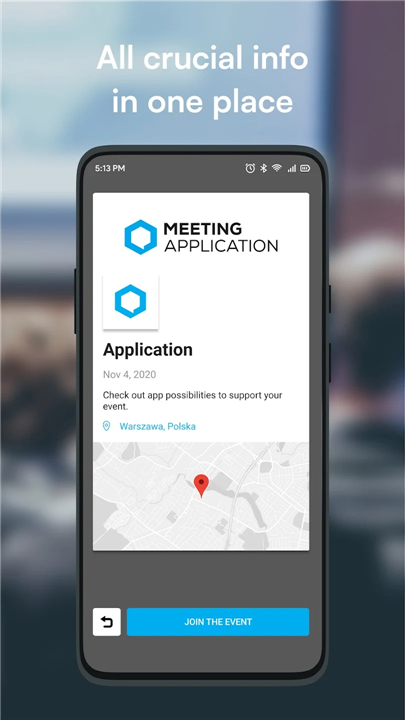
Meeting Application
Your Event, Simplified
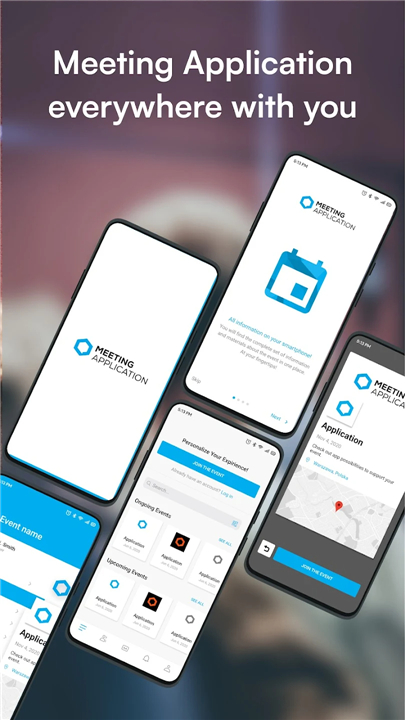
• Meeting Application is more than just an event app—it’s your personal gateway to a seamless event experience.
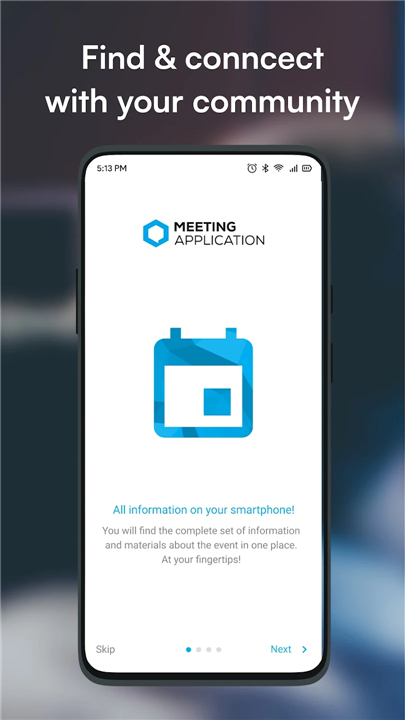
• Whether you’re attending a conference, trade show, festival, or business meeting, all the information and tools you need are in one place.
How It Works
• Download the app to your device.
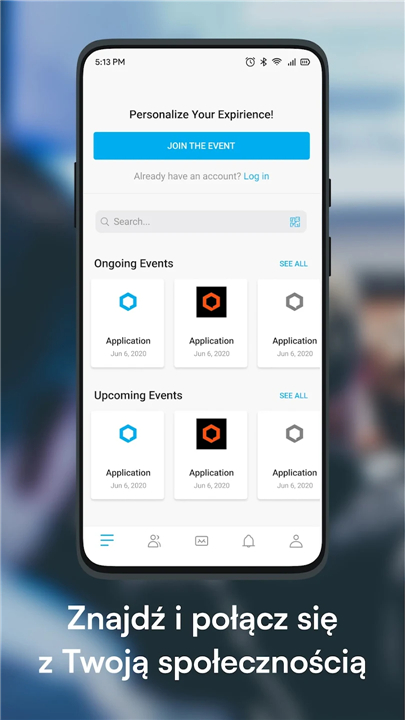
• Search for your event.
• Access all features chosen by the organizer.
Why You’ll Love It
Stay informed, connected, and engaged throughout your event:
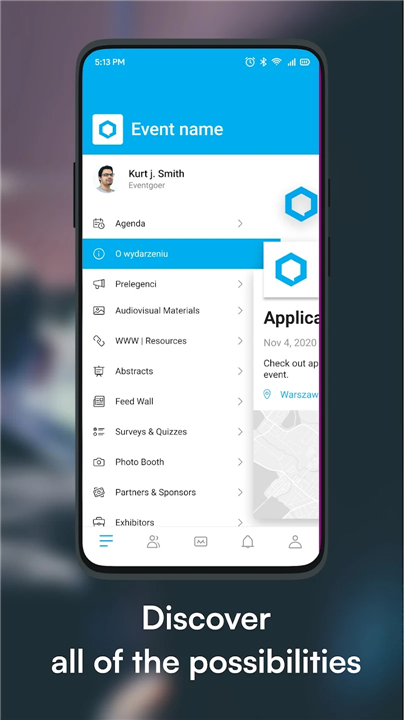
• Agenda: Explore the full schedule, register for sessions, and plan your day.
• Networking: View attendee lists, arrange meetings, and chat directly.
• Live Updates: Receive instant notifications on changes and announcements.
• Interactive Map: Navigate the venue with ease.
• Community Feed: Share ideas, join discussions, and interact with organizers.
• Check-in & Registration: Store tickets and breeze through entry.
• Resources: Download presentations, documents, and other event materials.
• Polls & Voting: Take part in interactive sessions and have your say.
Part of a Complete Event Platform
Meeting Application integrates with powerful tools to make events run smoothly:
• Online Registration & Ticketing: Fast sign-ups and secure payment options.
• Interactive Event Website: Real-time updates in an easy-to-use format.
• Reception Module: Quick check-in and professional badge printing.
Experience Events the Smart Way
• Join thousands of participants and organizers who use Meeting Application to make every event more efficient, interactive, and memorable.
• With everything at your fingertips, your next event will be easier, smarter, and more inspiring.
FAQ
Q: What features can I expect to find within the app?
A: The app includes a personalized agenda view showing session times and descriptions, a networking dashboard to browse and connect with fellow attendees, interactive venue maps to guide you from one location to another, a community feed for group discussions and announcements, push notifications for live updates, digital check-in and registration, direct chat functionality, downloadable event resources, and polling or voting tools for interactive sessions.
Q: Can I customize my personal schedule in the app?
A: Yes, you can. Once you’ve joined an event, navigate to the agenda section, where you can register for individual sessions or workshops and add them to your personal itinerary. The app will then generate a day-by-day overview that helps you stay organized and avoid scheduling conflicts.
Q: How does the networking feature work?
A: The networking area displays a searchable list of participants who have opted in to share their profiles. You can browse attendees by name, company, job title or interest tags. By selecting someone’s profile, you can send a meeting request or a direct message. Once they accept, you can coordinate a meeting time and location—either in person or virtually if the event supports video calls.
Version History
v5.3.33.2-R——26 Jan 2026
Check the agenda, schedule meetings, and stay up to date! Download the latest version of Meeting Application to enjoy new features and updates immediately!
*5.3.33.2-R
Application stability update
*5.3.32.5-R
Application stability update
*5.3.31.7-R
Application stability update









Ratings and reviews
There are no reviews yet. Be the first one to write one.