

Floating Timer
Overview
• The Floating Timer is an intuitive mobile application designed to enhance productivity and focus by providing a versatile countdown timer and stopwatch.
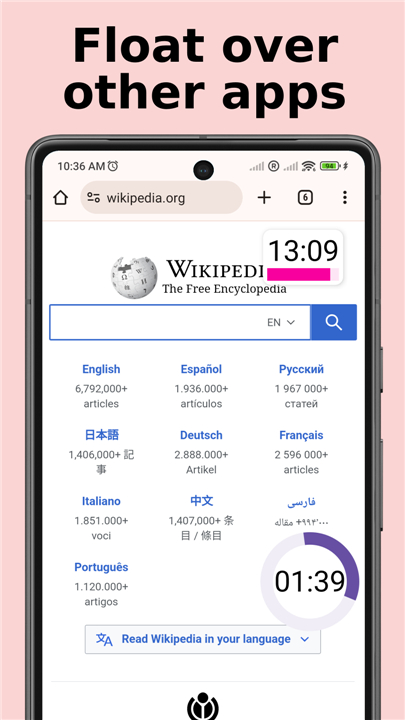
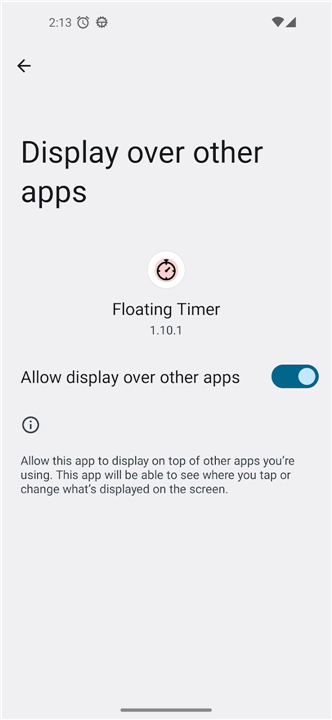
• Its defining characteristic is its ability to "float" as an overlay widget, remaining visible and accessible above any other running application, ensuring users never lose track of time-sensitive tasks.
Core Functionality
1. Floating Display:
• The timer operates as a persistent, non-intrusive overlay, allowing users to monitor time without switching between apps.
2. Dual Modes:
• Seamlessly switch between a precise countdown timer for fixed durations and a dynamic stopwatch for measuring elapsed time.
Key Use Cases
1. Academic:
• Ideal for exam practice, allowing students to simulate test conditions and manage time effectively while reviewing materials or taking practice tests.
2. Gaming:
• Essential for competitive gamers engaging in speed runs, timing boss fights, or tracking cooldowns, providing real-time metrics without interrupting gameplay.
3. Culinary:
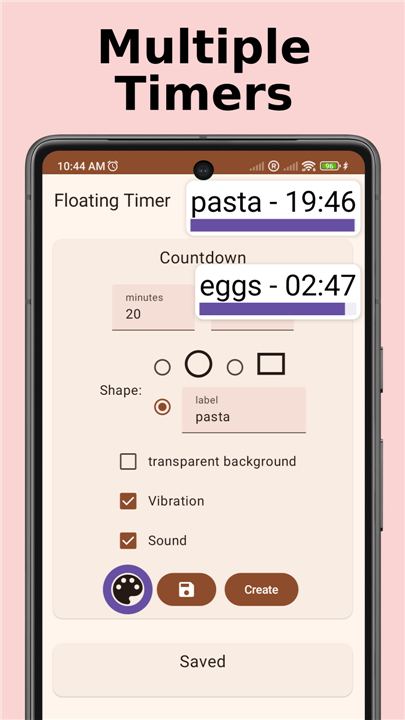
• Perfect for home cooks and chefs needing to time multiple dishes concurrently, ensuring precise cooking durations.
4. General Productivity:
• Useful for managing work blocks, exercise intervals, or any activity requiring visible time tracking.
User Interface & Controls
• Positioning: Easily reposition the floating timer anywhere on your screen by dragging it.
• Interaction: A single tap starts or pauses the active timer.
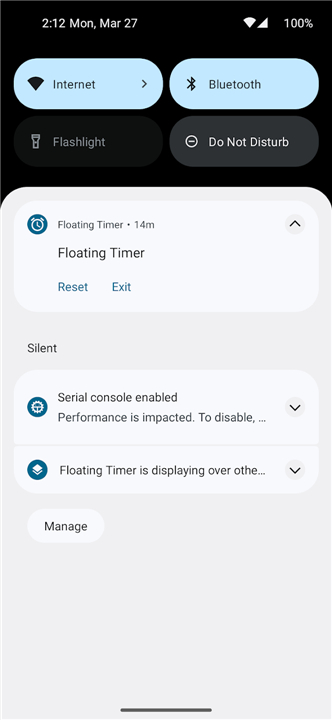
• Reset: Double-tap the timer to instantly reset it to its initial state.
• Exit: Drag the timer to a designated trash icon to close the application.
Premium Enhancements
1. Multiple Timers:
• Unlock the capability to run more than two timers simultaneously, ideal for complex multitasking.
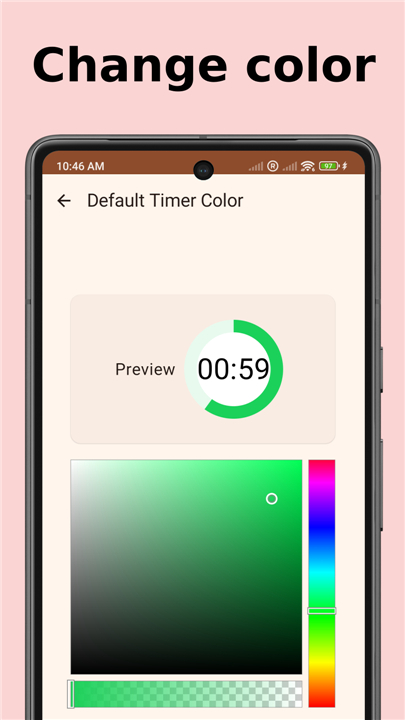
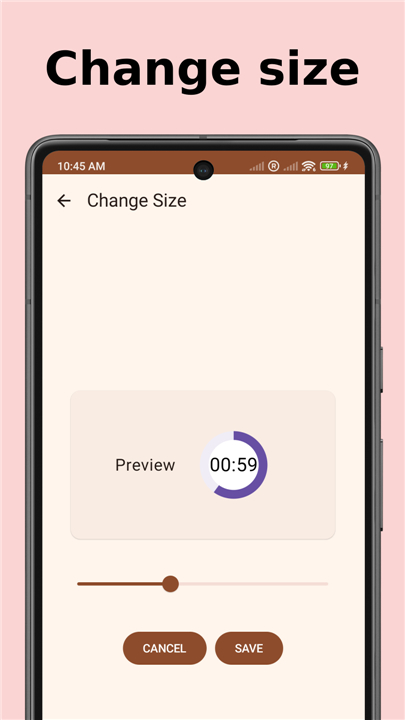
2. Customization:
• Personalize the timer's appearance by changing its size and color to match your preferences or enhance visibility.
Transparency
• The Floating Timer app is proudly open source, with its code publicly available on GitHub at https://github.com/tberghuis/FloatingCountdownTimer, fostering community contributions and trust.
FAQ
Q: How does the floating overlay feature work when I am using other apps on my phone?
A: The primary feature of this app is its ability to sit on a layer above every other program on your device. Once you activate the timer, it remains as a small, non-intrusive widget that stays visible even if you switch to your browser, a game, or a document editor, so you never have to navigate away from your work to check the clock.
Q: Does the app support both countdowns and regular time tracking?
A: Yes, the app is built with dual modes to accommodate different types of activities. You can choose the countdown mode when you have a specific deadline or fixed duration in mind, or you can switch to the dynamic stopwatch mode when you simply need to measure how much time has elapsed since you started a task.
Q: What are the basic touch controls for starting, pausing, and resetting my timer?
A: Interacting with the timer is designed to be incredibly intuitive and quick. A single tap on the floating widget will either start or pause the clock, while a quick double-tap will instantly reset the timer back to its original starting point, allowing for seamless control without complex menus.
Version History
v1.51.0——27 Jul 2026
Features both a countdown timer and stopwatch that will float over other apps. Download the latest version of Floating Timer to enjoy new features and updates immediately!
*1.51.0
update billing client to version 9.1.0, targetSdk 36
*1.50.0
homescreen pinned shortcuts to start saved timers
*1.49.1
attempt fix ForegroundServiceStartNotAllowedException











Ratings and reviews
There are no reviews yet. Be the first one to write one.