

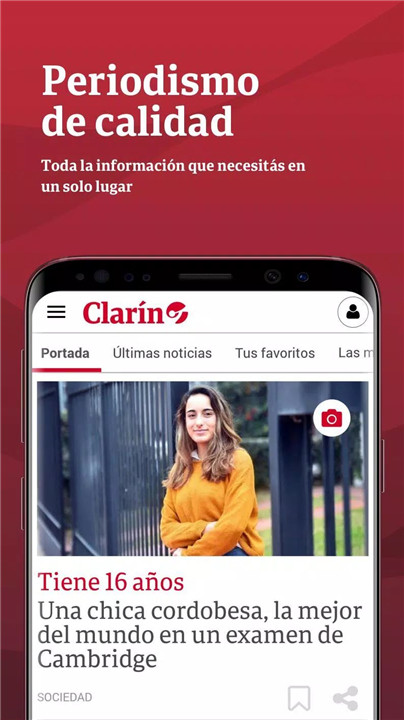
The Clarín app is a powerful tool designed to keep users connected to the most important news and opinions from Argentina and around the world.
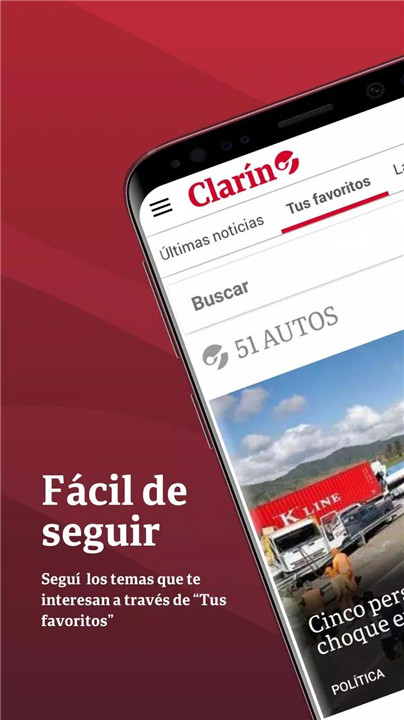
Personalization with “Your Favorites”
Users can follow specific topics and sections that matter most by selecting them as favorites. This creates a tailored news feed, helping readers stay updated on the subjects they care about without wading through unrelated content.
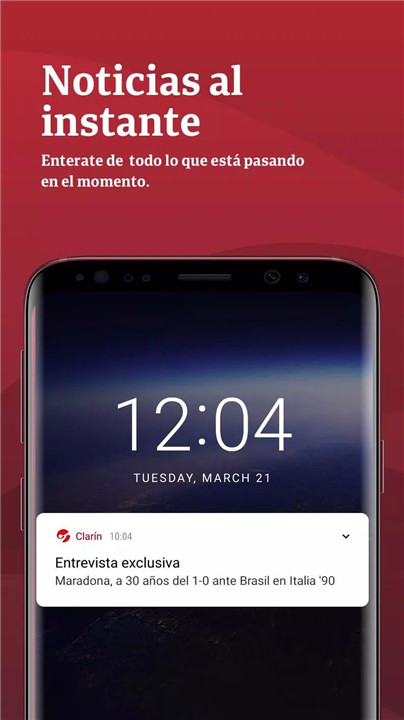
Real-Time Notifications
Stay ahead with breaking news alerts sent directly to your phone. Notifications can be muted anytime through app settings, ensuring users stay informed without being overwhelmed.
“Read Later” Functionality
Busy readers can save stories and alerts to the “Read Later” section. Whether it’s an in-depth article or a quick news bite, all saved content is easily accessible at any time.
Rich Multimedia Experience
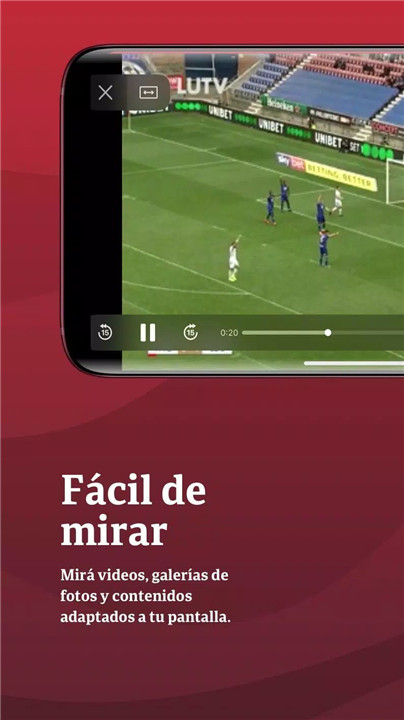
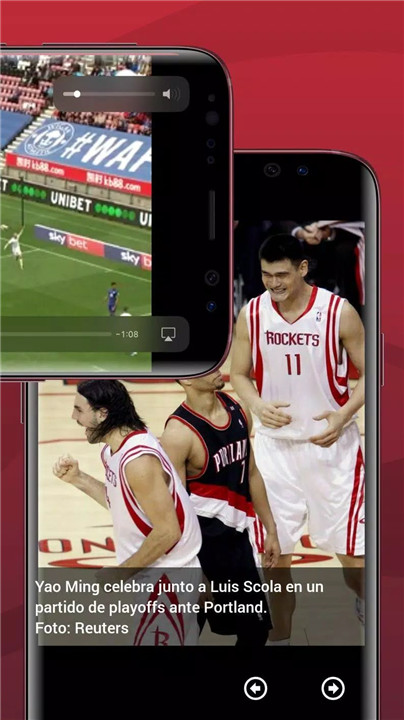
Clarín integrates videos, interactive maps, and photo galleries to bring stories to life. All content is fully optimized for mobile screens, making the viewing and reading experience immersive and user-friendly.
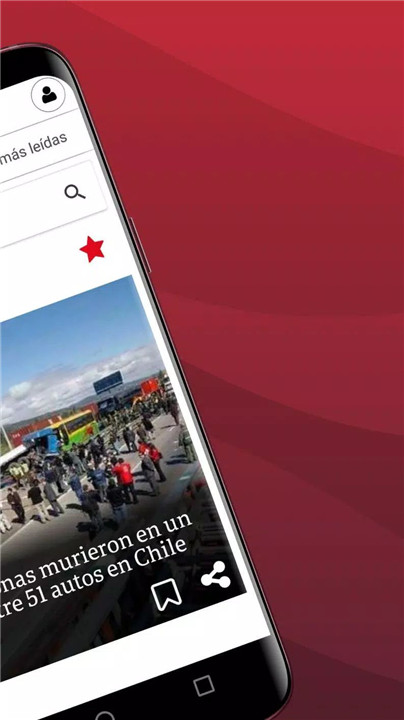
Easy Sharing Options
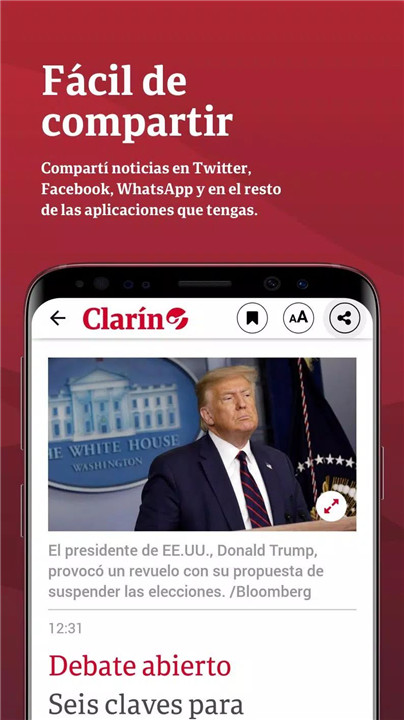
Users can quickly share articles and content via Twitter, Facebook, WhatsApp, or any other installed application. Spreading the word or starting a conversation is just a tap away.
Diverse and Reliable Content
Explore everything from national news to international affairs, culture, lifestyle, and sports. The app also features opinion columns by the newspaper’s most renowned writers, offering in-depth insights and expert analysis.
Always Connected, Anywhere
The app ensures readers stay informed whether at home, at work, or on the move. With the download and save options, key stories remain accessible even when offline.
FAQs
1. How can I follow only the news that interests me?
Use the “Your Favorites” feature to select preferred topics. The app will then prioritize those topics in your personalized feed.
2. Can I disable notifications?
Yes. Notifications, including breaking news alerts, can be managed or muted in the settings section of the app at any time.
3. Where do I find articles I’ve saved to read later?
Saved content appears in the “Read Later” section, accessible from the main menu. Articles remain available even when offline.
4. Is the app limited to text-only news?
No. The Clarín app includes a range of multimedia content like videos, maps, and photo galleries, enhancing the overall news experience.
5. How can I share articles with others?
Every article includes built-in sharing options. Tap the share icon to send stories via social media, messaging apps, or email.
Version History
v7.1—13 Jun, 2025
Minor bug fixes and improvements. Install or update to the newest version to check it out!
v7.0—19 Oct, 2024
Minor bug fixes and improvements. Install or update to the newest version to check it out!
v6.7—24 Sep, 2024
Minor bug fixes and improvements. Install or update to the newest version to check it out!









Ratings and reviews
There are no reviews yet. Be the first one to write one.