

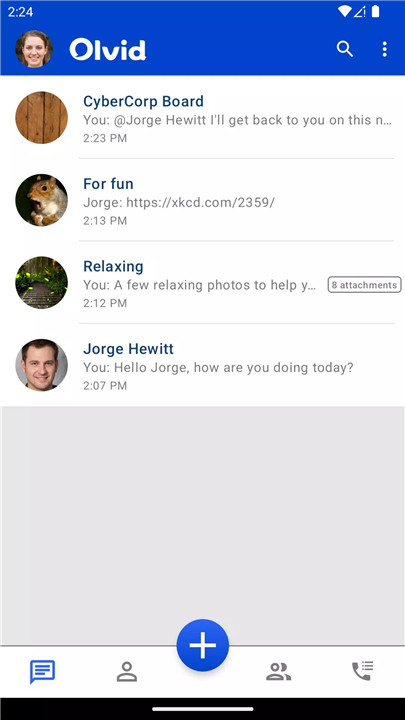
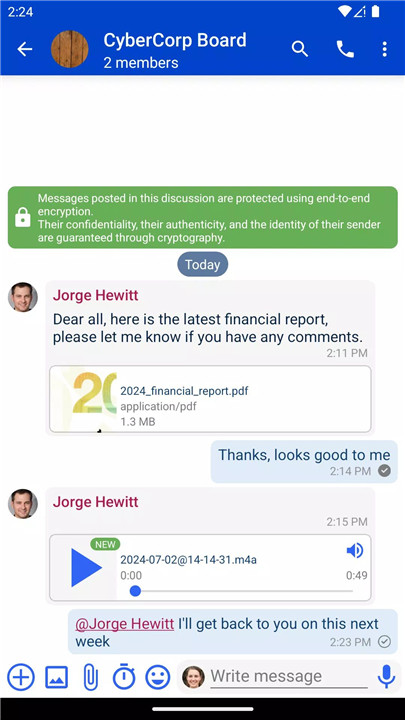
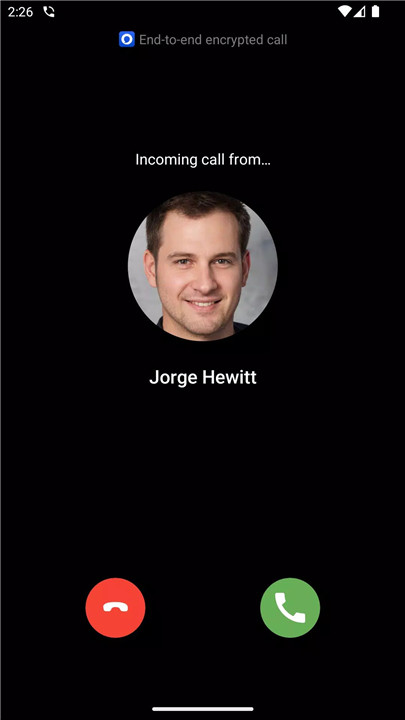
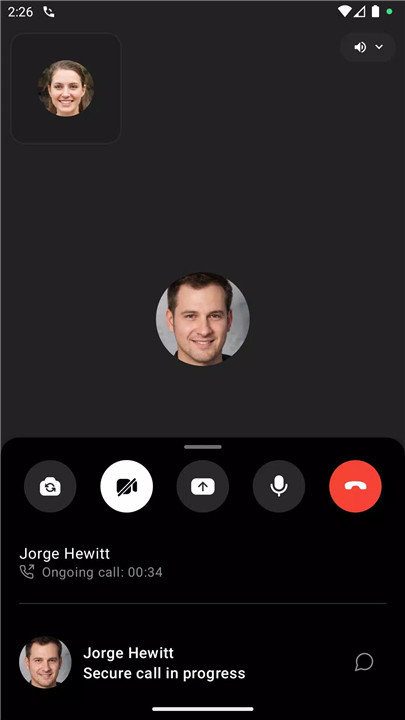
Olvid is your go-to messaging app in a digital world filled with privacy concerns. It’s the first private messaging app designed to give you complete control over your communications. With Olvid, you can send text messages, share photos and files, and make secure phone and video calls—all with the utmost privacy. Olvid has been built from the ground up to ensure that your conversations are free from digital noise, spam, and unsolicited messages.
No Personal Data Required
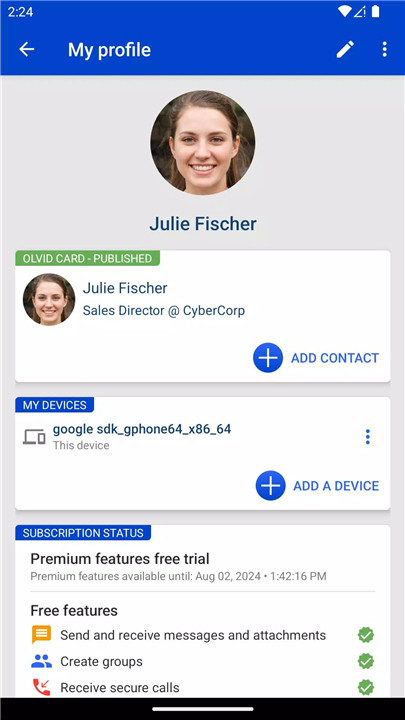
Unlike traditional messaging apps, Olvid does not ask for your phone number or email address. There’s no need to link your account to any personal data, which guarantees your anonymity. Olvid doesn’t require access to your address book either, so your contacts remain private and fully under your control. You choose who to communicate with and when.
End-to-End Encryption and Authentication
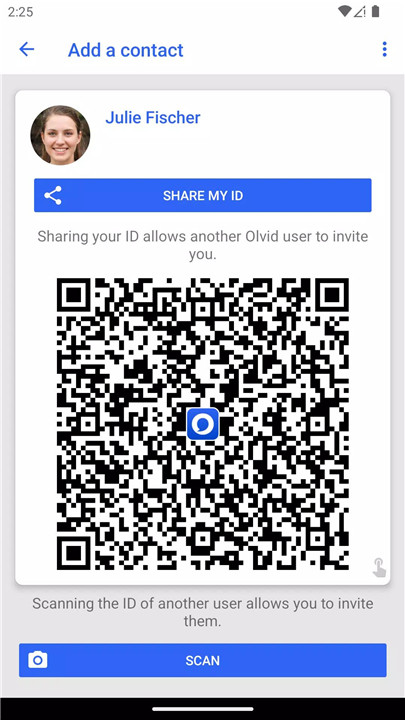
Every single message you send or receive on Olvid benefits from end-to-end encryption by default. This ensures that only you and the recipient can read the messages, not even Olvid can access your data. In addition, Olvid uses end-to-end authentication to make sure that both parties are truly who they claim to be.
No Unsolicited Messages
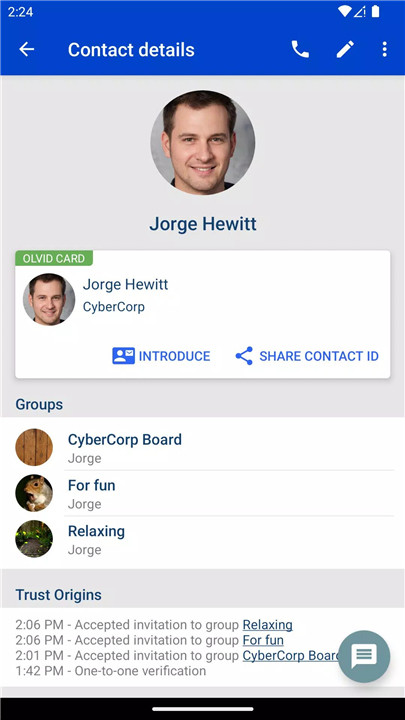
Olvid eliminates the problem of unwanted messages or spam. You will never receive unsolicited messages from unknown sources. This ensures a clean, focused, and secure messaging experience. You control who can reach out to you and who can be added to your groups.
Full Control and Privacy
Olvid puts you in complete control of your messaging experience. You decide who you want to interact with and how. There are no external interruptions, advertisements, or the usual distractions from social media.
Advanced Cryptographic Engine
At the heart of Olvid’s technology is a powerful cryptographic engine, the result of years of research. This engine guarantees the integrity, confidentiality, and anonymity of your communications. Even if Olvid’s servers were ever compromised, your data would remain secure.
FAQs
1. Is Olvid safe?
Yes! Olvid uses state-of-the-art cryptographic protocols to ensure that all your messages, attachments, and communications are end-to-end encrypted. Your data is fully protected, even if our servers are hacked.
2. Is Olvid open source?
Yes, the entire client code of Olvid is open-source. This means that anyone can review and audit the app’s code for transparency and security.
3. Do I need to provide personal information to use Olvid?
No, Olvid does not ask for any personal data. You don’t need to provide a phone number, email, or grant access to your address book. Everything you need to use Olvid is under your control.
4. Can I send photos and files securely on Olvid?
Yes! You can send photos, videos, and files through Olvid, and everything is encrypted. Your attachments are as secure as your messages.
5. Will I receive spam or unwanted messages on Olvid?
No, Olvid does not allow unsolicited messages. You won’t receive any spam, advertising, or messages from unknown senders. You control who can contact you.
Version History
v3.1—11 Jul, 2024
- Improvements to the contact addition procedures
- Support for pre-keys allowing to receive messages before the end of the channel creation
- Detect contacts that have been offline for an extended period of time
- Do not display link text for messages with a link preview
- New global map of all locations currently shared with you
- Bug fixes and performance improvements
- UI/UX improvements
v3.0—5 Jul, 2024
- Support for pre-keys allowing to receive messages before the end of the channel creation
- Detect contacts that have been offline for an extended period of time
- Do not display link text for messages with a link preview
- New global map of all locations currently shared with you
- Bug fixes and performance improvements
- UI/UX improvements
v2.2.1—10 Jun, 2024
- Allow to bookmark messages
- Adjust group types and change default group permissions
- Improved outbound message status icons
- Allow to reorder pinned discussions
- Bug fixes and performance improvements
- UI/UX improvements









Ratings and reviews
There are no reviews yet. Be the first one to write one.