

Spatial Touch™ - Touchless APK
1.2.7
Spatial Touch™ - Touchless
Spatial Touch™ - Touchless APK
Download for Android
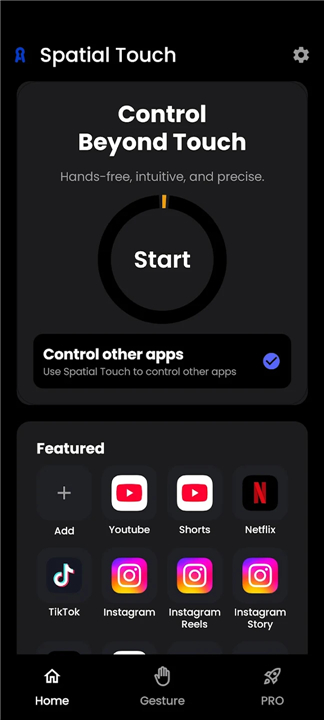
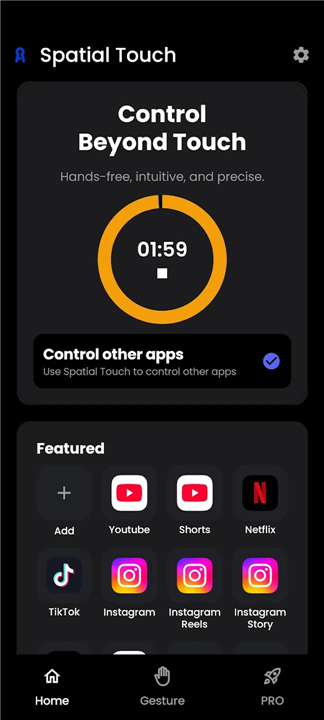
Spatial Touch™ – The Future of Touch‑Free Control
What’s New
• Redesigned interface – smoother, faster, and easier to navigate.
• Pinch‑gesture controls – interact naturally with just a finger movement.
• Boosted performance – more stable, responsive, and lighter on battery.
• Lower‑end device support – works on a wider range of Android phones.
• WebView mode – control YouTube without granting accessibility permission.
Why You’ll Love It
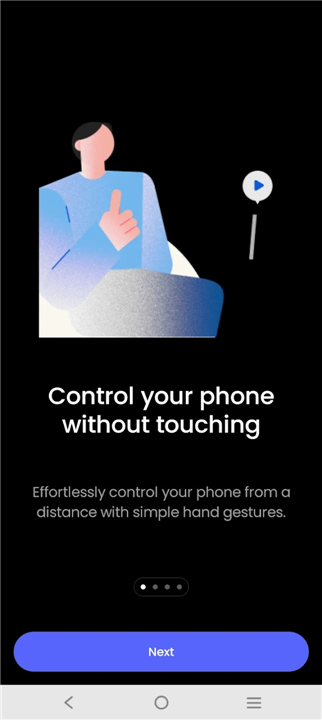
• Spatial Touch™ lets you command social‑media and streaming apps from a distance, keeping your hands clean and your screen untouched.
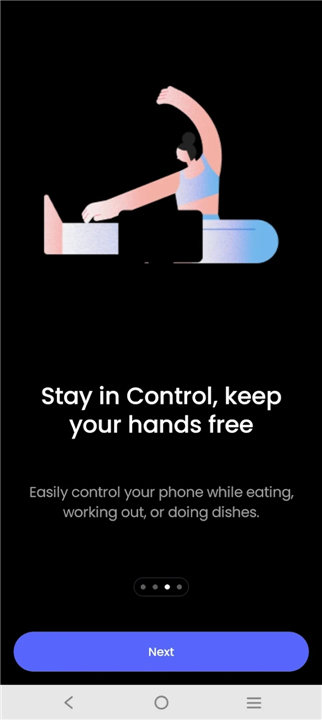
• Whether you’re lounging on the couch, cooking with wet hands, or eating a meal, you can play, scroll, and adjust settings without a single tap.
Core Features
• Air gestures – play/pause, skip, volume, scrolling and navigation completely hands‑free.
• Remote control – operate the phone from across the room, in any posture.
• Precision recognition – low false‑positive rate with adjustable sensitivity.
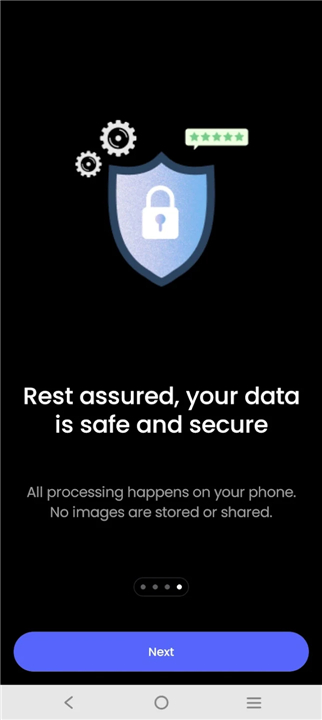
• On‑device AI – all image processing stays on your phone; nothing is uploaded or stored.
• WebView mode (new) – use Spatial Touch™ on YouTube without accessibility access.
Supported Apps (Free)
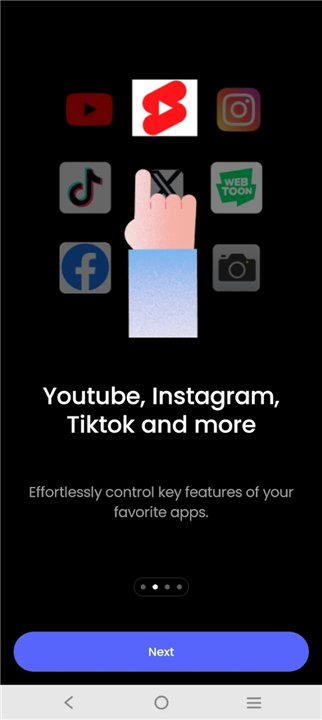
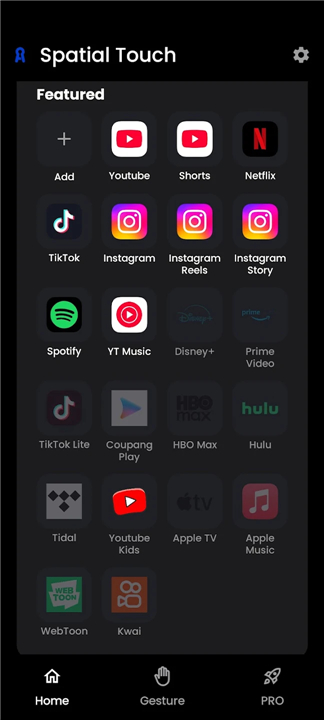
• Social: YouTube, Instagram, TikTok
• Video streaming: Netflix, Disney+, Amazon Prime Video, Hulu, Coupang Play
• Music: Spotify, YouTube Music, Tidal
More apps are on the way.
Precision-Engineered Interaction
• Our state-of-the-art gesture recognition minimizes false detections, offering adjustable sensitivity to perfectly balance ease of use with pinpoint accuracy.
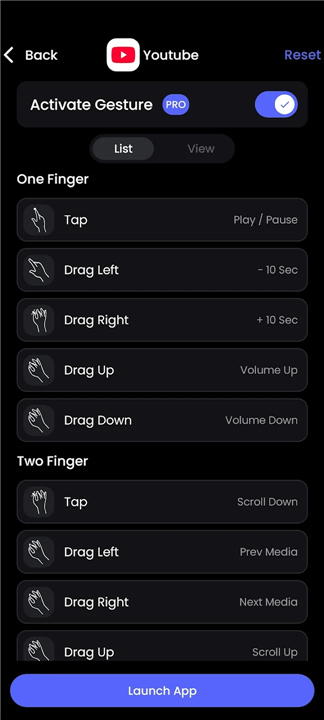
• Master these effortless gestures:
+ Tap (Pinch/Finger Fold): Play/Pause, Skip Ads, Next Video
+ Drag Left/Right: Fast Forward / Rewind
+ Drag Up/Down: Volume Control
+ Secondary Tap: Fullscreen toggle / Previous video / Comments
+ Secondary Drag: Scroll & navigation
+ Pointer (Pro Feature): Virtual cursor for precise screen interaction
Upgrade to Pro – Unlock Full Power
• Virtual pointer – tap any on‑screen element with a cursor.
• Extended app library – control additional apps beyond the free list.
• Always‑On mode – Spatial Touch™ stays active without manual start‑up.
• Ad‑free experience – enjoy uninterrupted control.
Minimum System Requirements
• Snapdragon 7 series (or newer) recommended
• 4 GB RAM or more
• Android 9.0 (Pie) or later
• Camera: 720p minimum (1080p preferred)
Performance may vary by device.
Required Permissions
• Camera – powers gesture detection (active only while needed).
• Notifications – delivers service updates and status alerts.
• Accessibility (optional) – enables control of third‑party apps and screen clicks.
• Spatial Touch™ uses the Android Accessibility Service API only when you enable this optional feature.
Get Started
• Download Spatial Touch™ today and experience a hands‑free world.
• For feedback or support, email: android@reehee.io.
FAQ
Q: Which gestures can I use and what do they do?
A: The core set of gestures includes a simple tap (or pinch/finger‑fold) to play or pause media, a secondary tap for actions like fullscreen toggle or moving to the previous video, a left‑or‑right drag that fast‑forwards or rewinds, and an up‑or‑down drag that adjusts the volume. A secondary drag lets you scroll through feeds or menus. If you upgrade to the Pro version, you also get a virtual pointer that works like a mouse cursor for precise tapping.
Q: Do I need an accessibility permission for everything to work?
A: No. The new WebView mode lets you control YouTube without granting any accessibility permission. For most other apps, the optional accessibility service is only required when you enable it; turning it on extends control to third‑party apps and lets Spatial Touch™ simulate screen clicks. If you prefer not to use it, the core gestures (play, pause, volume, scroll) still function with just the camera permission.
Q: Which smartphones are compatible?
A: Spatial Touch™ runs on Android 9.0 (Pie) or newer. The recommended hardware is a Snapdragon 7‑series processor or higher, at least 4 GB of RAM, and a front camera capable of 720p resolution (1080p provides the best experience). The app now supports a broader range of lower‑end devices, though performance may vary depending on the exact specifications.
Version History
v1.2.7——18 May 2026
Spatial Touch™ is a gesture control app that lets you operate media apps without touching the screen. Download the latest version of Spatial Touch™ - Touchless to enjoy new features and updates immediately!
*1.2.7
Spatial Touch™ Update
- Optimized drag gestures
- Improved pinch gesture stability
- Fixed an issue where Pro version settings were not being saved
- Fixed an issue where indicator settings were not being saved
- Improved overall app stability
*1.2.6
Spatial Touch™ V2 Release - Completely redesigned for a faster, smoother, and more intuitive experience.
- New pinch gesture controls for easier and more natural interaction
- Dramatically improved performance, stability, and responsiveness
- Significantly reduced battery consumption and device heat
- Expanded support for lower-end devices
- Fully redesigned UI/UX for better usability
- WebView mode — use Spatial Touch™ without accessibility permission
*1.1.18
- Bug fixes
- Improved stability











Ratings and reviews
There are no reviews yet. Be the first one to write one.