

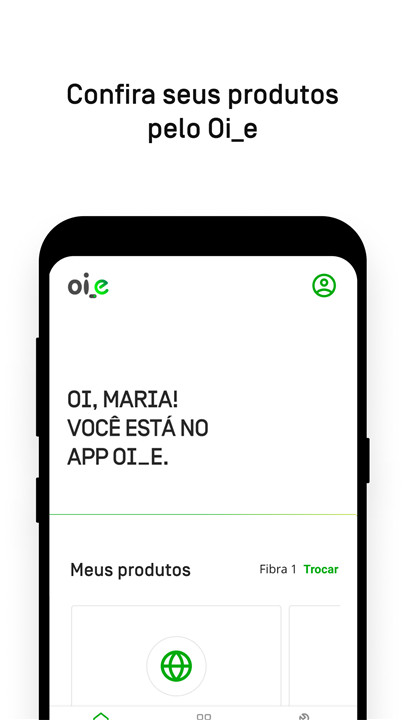
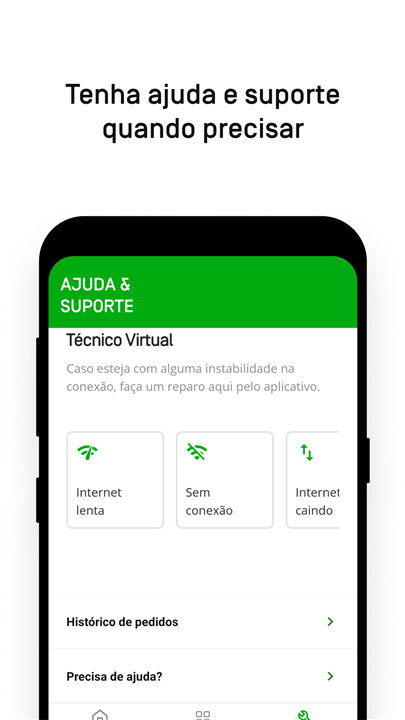
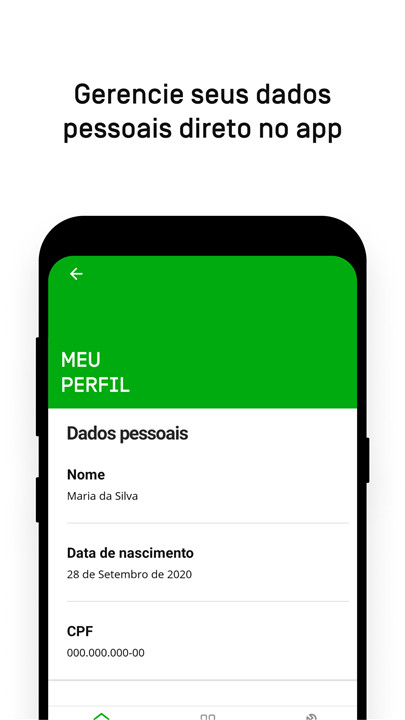
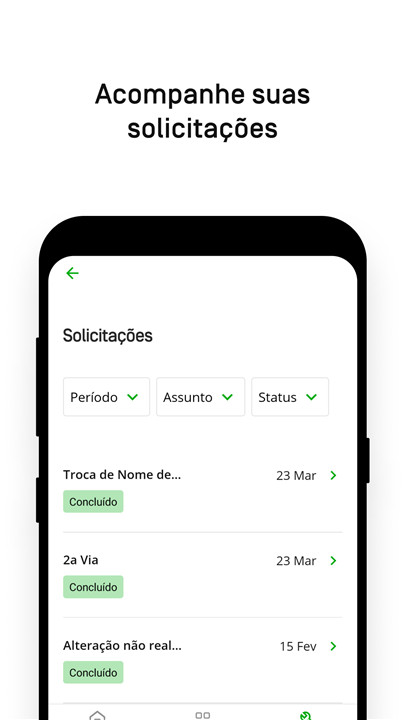
Oi_e is the go-to app for customers with Oi Fibra internet. With Oi_e, you can request support, view and download your bills, change your payment method, track your requests, update your Wi-Fi password, and much more!
In this latest update, we've added notifications to make your life easier. You'll receive alerts when it's time to update the app and when the app is undergoing maintenance.
Some users are still accessing services through the Minha Oi app. Soon, all features from both apps will be combined for a seamless experience.
To determine which app to use, identify your profile: Oi_e or Minha Oi.
1. I HAVE OI FIBER INTERNET INSTALLED, BUT I’M EXPERIENCING ACCESS ISSUES
We need your details and a description of the issue to assist you. Please email us at oi_eapp@oi.net.br with your full name and the phone number registered with Oi_e, including the area code.
2. I SIGNED UP FOR INTERNET, BUT IT HASN'T BEEN INSTALLED YET
Please wait for the installation and then access the Oi_e app again.
3. MY INTERNET IS INACTIVE OR HAS BEEN CANCELLED
Please send your request via email to oi_eapp@oi.net.br.
4. I HAVE ONE OR MORE OF THESE PRODUCTS: CELL PHONE, TV, OR COMBO PLAN
You can manage these products through the Minha Oi app.
5. I HAVE OI INTERNET AND ONE OR MORE OF THESE PRODUCTS: CELL PHONE, TV, OR COMBO PLAN
Manage your internet through Oi_e, while the other products are handled in the Minha Oi app.
Need assistance? Resolve it through the Oi_e app.
CHANGE YOUR WI-FI PASSWORD
Want to keep your network secure? Regularly update your password.
> Simply navigate to the option...
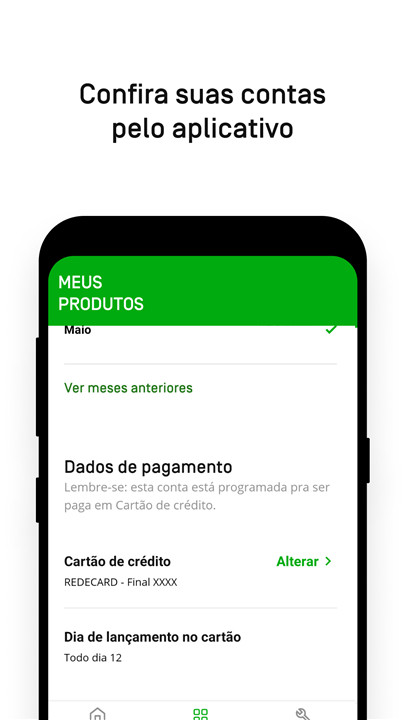
ACCESS YOUR ACCOUNTS
Looking for a quick and easy way to check your accounts?
> Just log in...
PAYMENT OPTIONS
How would you like to pay your Oi Fibra bill: credit card, direct debit, or bank slip?
> Just head to Products.
TECHNICAL ASSISTANCE
Experiencing connectivity issues, slow speeds, or intermittent internet? Utilize our diagnostic and repair tool.
> Simply select the Support option.
REARRANGE APPOINTMENT
Need to change the date of your scheduled technical visit? You can easily pick a new date through the Oi_e app.
> Head over to Support.
YOUR ACCOUNT
Looking to update your personal details? The Oi_e app allows you to manage your profile and modify your email, password, or phone number.
> Just visit My Profile.
FAQ
Q: How do I access my accounts through the Oi_e app?
A: To access your accounts, simply log in to the Oi_e app using your credentials. Once logged in, you can view your account details, manage your services, and perform various actions.
Q: How can I update my personal details in the Oi_e app?
A: To update your personal details, such as your email, password, or phone number, navigate to the "My Profile" section within the app. From there, you can edit and save your changes.
Q: How can I view and download my bills?
A: To view and download your bills, log in to the Oi_e app and navigate to the "Bills" or "Invoices" section. You can view your current and past bills and download them as needed.
Version History
v1.45.1——10 Mar 2025
Oi_e is the application for those who have Oi Fibra. Download the latest version of Oi_e 1.45.1 to enjoy new features and updates immediately!
Melhorias e informação sobre o APP.









Ratings and reviews
There are no reviews yet. Be the first one to write one.