

OwnTracks
Overview and Core Purpose
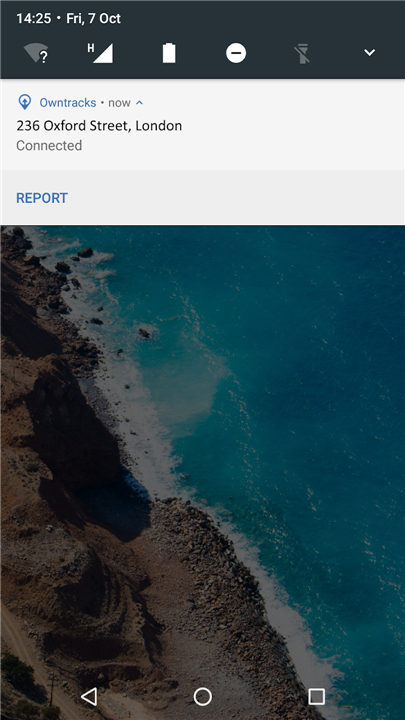
• OwnTracks is a secure, open-source location-tracking platform designed to give you complete ownership of your personal location data.
• It serves as a private, self-hosted alternative to commercial tracking services, ensuring that your movements are never monitored, monetized, or analyzed by third-party corporations.
Key Features and Use Cases
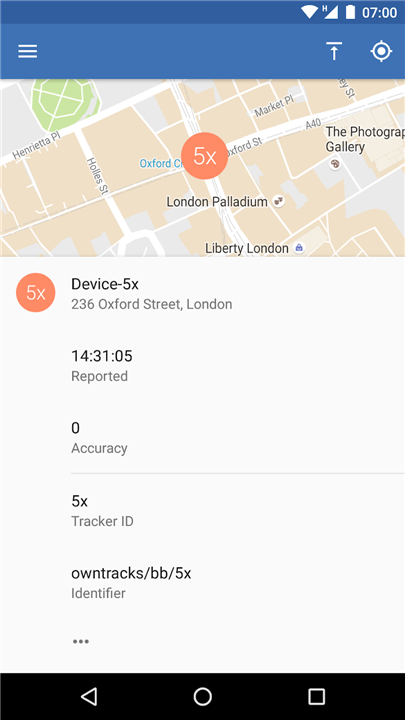
• Private Location Diary: Automatically record your daily movements to build a comprehensive, personal history of your travels over time.
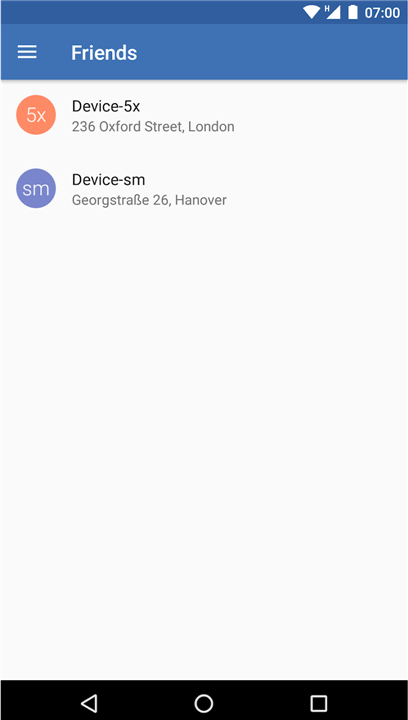
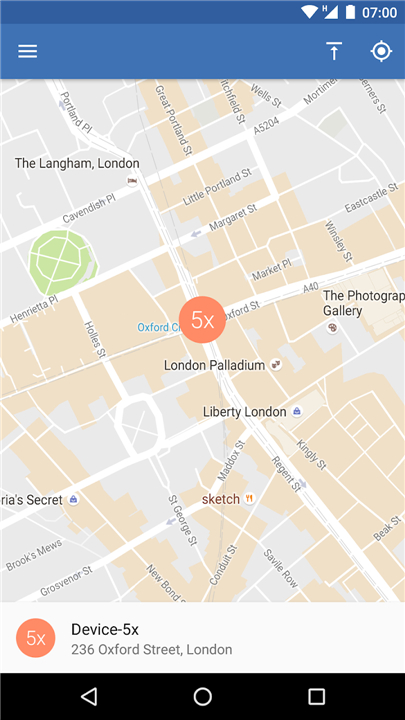
• Selective Sharing: Securely share your real-time coordinates with trusted family members and friends without exposing your data to public networks.
• Smart Integration: Seamlessly connect with home automation systems to trigger events, such as turning on lights when you arrive home.
Privacy, Security, and Protocols
• Open Protocols: The application utilizes lightweight, standard communication protocols, primarily MQTT and HTTP, to transmit location coordinates efficiently.
• Total Data Ownership: Because you host your own backend server, your sensitive location history remains entirely under your control.
• Encrypted Transmission: Supports robust encryption standards to protect your data in transit, ensuring secure communication between your mobile device and your server.
Resources and Device Support
• Cross-Platform Compatibility: OwnTracks is available as a lightweight, battery-efficient application for both iOS and Android devices.
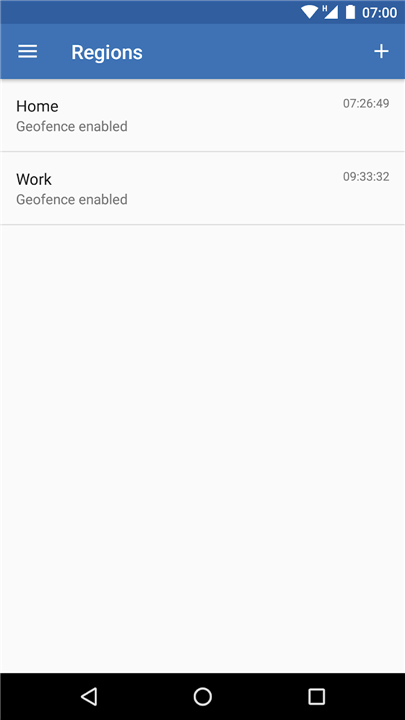
• Comprehensive Documentation: Learn how to configure your private server, set up geofences, and manage integrations by visiting the official user guide at http://owntracks.org/booklet.
FAQ
Q: Do I need to run my own server, or can I use a hosted option?
A: You can choose either path. For maximum privacy, installing a lightweight MQTT broker (like Mosquitto) or an HTTP endpoint on a device you control—such as a Raspberry Pi, a VPS, or even a home‑assistant add‑on—ensures your data never leaves your network. If you prefer convenience, there are community‑run public servers, but remember they will have access to your location unless you enable end‑to‑end encryption.
Q: Which communication protocols does OwnTracks support, and how do I pick one?
A: OwnTracks primarily uses MQTT and HTTP/S. MQTT is ideal for low‑bandwidth, real‑time updates and works well with home‑automation hubs that already speak MQTT. HTTP is simpler to set up if you only need occasional location pushes (e.g., to a personal web dashboard). Both support TLS encryption, so your choice depends on your existing infrastructure and how frequently you want updates.
Q: How secure is the data transmission between my phone and my server?
A: When you enable TLS (either via MQTT over TLS or HTTPS), OwnTracks encrypts the payload in transit using industry‑standard ciphers. Additionally, you can activate end‑to‑end encryption in the app settings, which encrypts the location payload with a key only your devices possess, preventing even the server admin from reading the raw coordinates.
Version History
v2.6.0-beta1——26 Aug 2026
Discover NFC Radio: the screen-free tactile audio system. Tap NFC tags to play music, playlists, and audiobooks instantly. Download the latest version of NFC Radio to enjoy new features and updates immediately!
*2.6.0-beta1
Minor bug fixes and improvements. Install or update to the newest version to check it out!
*2.5.9
Minor bug fixes and improvements. Install or update to the newest version to check it out!
*2.5.8
Minor bug fixes and improvements. Install or update to the newest version to check it out!











Ratings and reviews
There are no reviews yet. Be the first one to write one.