

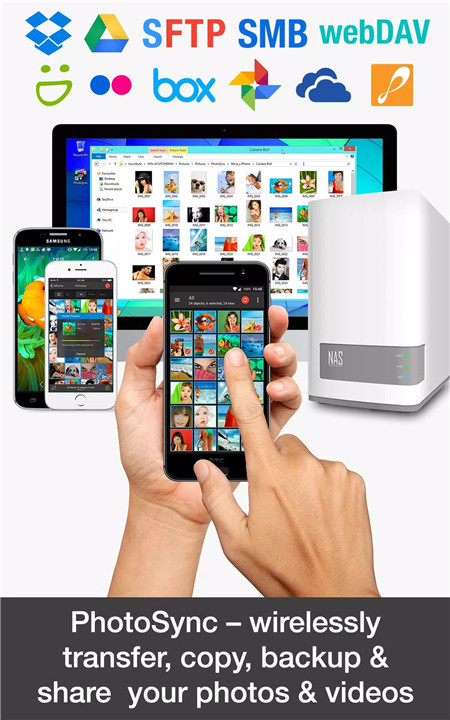
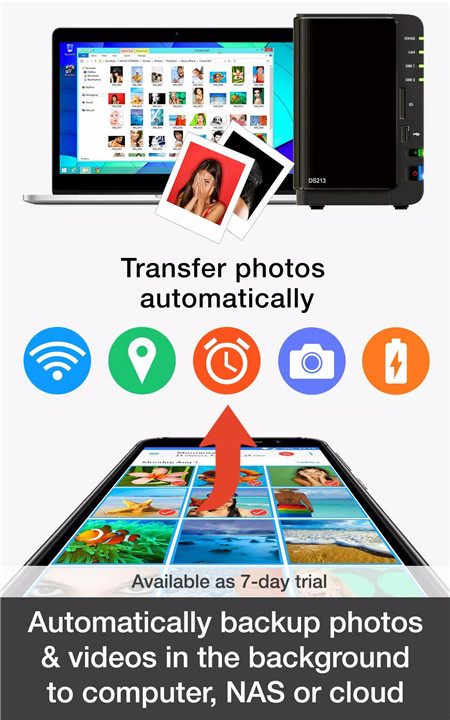
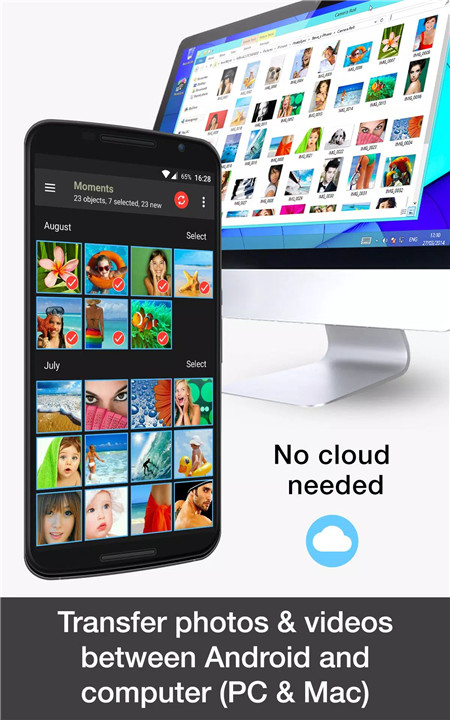
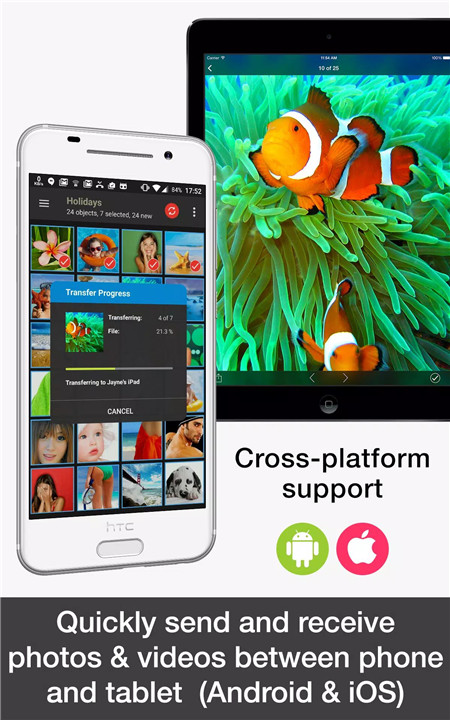
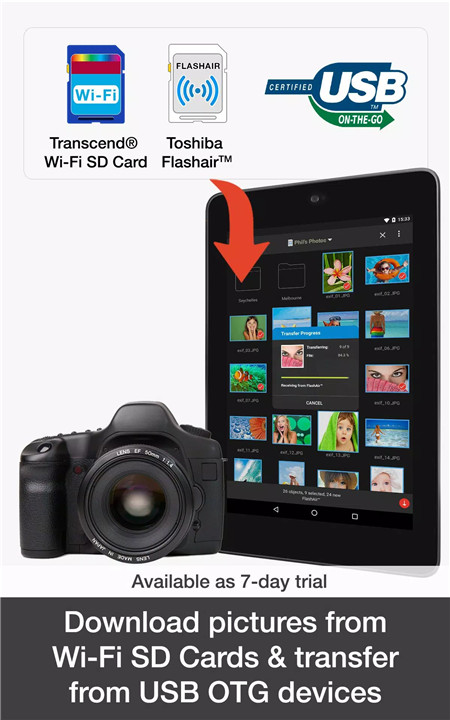
PhotoSync is the ultimate solution for wirelessly and automatically transferring, backing up, and sharing photos and videos across multiple devices. Say goodbye to manual transfers and enjoy the convenience of automatic backups and sharing.
Transfer Photos & Videos to and from Computers (Free)
PhotoSync makes it easy to transfer photos and videos between your mobile devices and computers, both Windows PC and Mac. You can wirelessly back up your media to your computer or drag and drop files directly from your PC or Mac to your Android device over the local network. The process is simple, fast, and secure, requiring no cables. To get started, download the free PhotoSync Companion utility for your computer and begin transferring effortlessly.
Transfer Between Phones & Tablets (Free)
One of the standout features of PhotoSync is the ability to send photos and videos between devices without using a computer or cloud service. Whether you're transferring media from one Android device to another or exchanging files between Android and iOS (iPhone or iPad), PhotoSync makes it incredibly easy to move your media over a Wi-Fi or portable Wi-Fi hotspot connection.
Automatic Backup & Transfer
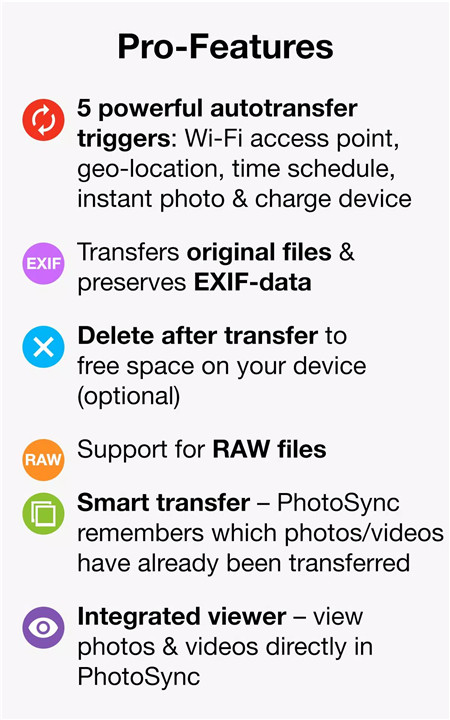
PhotoSync allows you to back up your photos and videos automatically in the background. This includes instant transfers whenever you take a new photo or video, transfers triggered by specific Wi-Fi networks or geolocations, and even transfers triggered when your device is charging. Additionally, you can set a specific time schedule for backups, ensuring that your media is always up-to-date and secure.
Transfer to and from NAS & Cloud Services
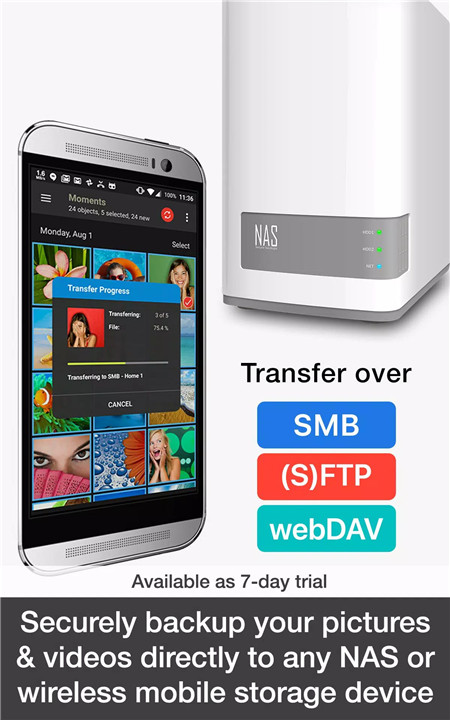
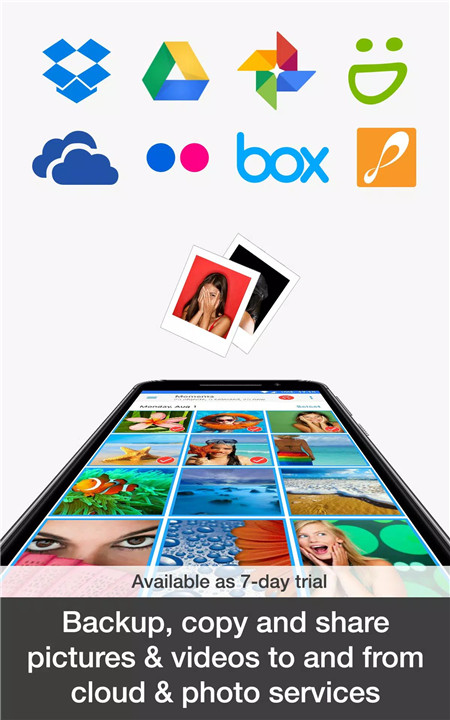
PhotoSync supports transferring media to and from NAS devices and cloud services, including Dropbox, Google Drive, Google Photos, OneDrive, Flickr, and more. This feature makes it simple to upload photos and videos to your preferred cloud storage or access and download media stored in the cloud or on NAS servers. PhotoSync is compatible with major NAS storage solutions such as Synology, QNAP, WD MyCloud, and FreeNAS, ensuring that you can manage your media on the go.
FAQs
1. What can PhotoSync do for me?
PhotoSync allows you to wirelessly transfer, back up, and share your photos and videos across devices, computers, NAS, and cloud services. It offers automatic and secure backups, making sure your media is always safe and easily accessible.
2. Can I use PhotoSync with different devices?
Yes, PhotoSync works across Android, iOS, Windows, and Mac, offering a seamless cross-platform transfer experience. You can transfer media between phones, tablets, computers, cloud services, and NAS devices.
3. How secure is PhotoSync for my data?
PhotoSync is designed to be a reliable and secure solution for transferring your photos and videos. It uses encrypted connections for transferring and backing up data to ensure the safety of your media, whether on your devices or in the cloud.
----------------------------
What's New in the Latest Version 4.1.5
Last updated on Dec 5, 2024
* Added error handling for database errors to prevent the app from crashing
* Added message to choose a storage folder, if no SAF write permissions exist
* Fixed wrong transfer result when multiple attempts are used to store a file on the device and an error occurs









Ratings and reviews
There are no reviews yet. Be the first one to write one.