

Passwords
Overview
• Introducing Passwords, a robust digital vault application built to simplify your online credential management while maintaining top-tier security standards.
Modern User Interface
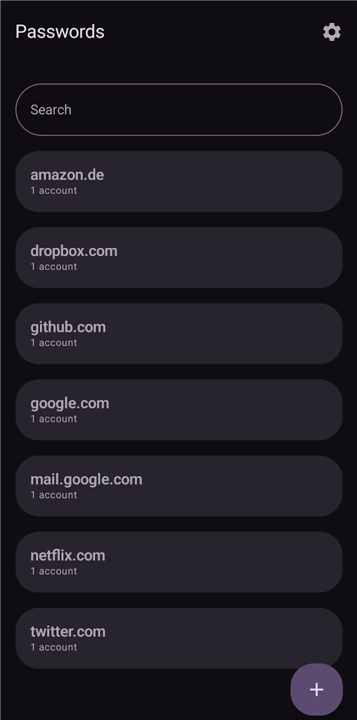
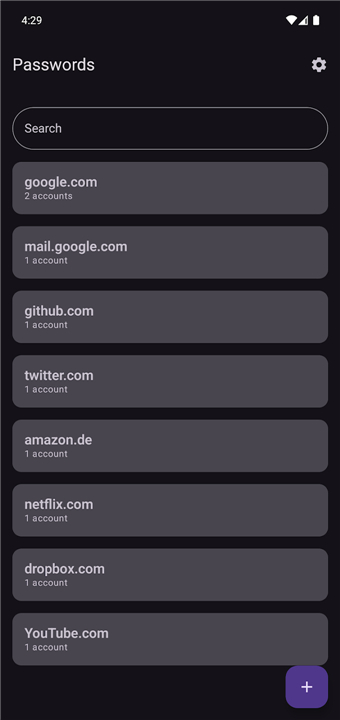
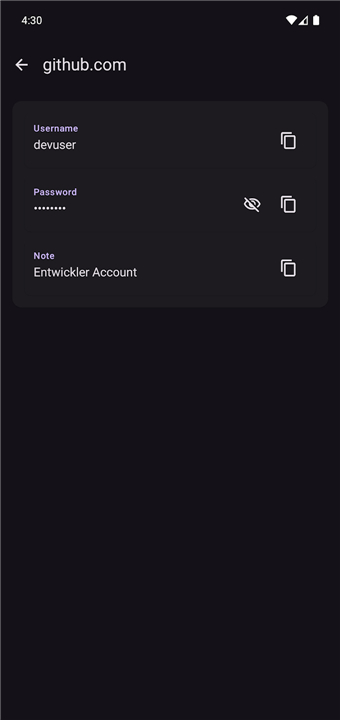
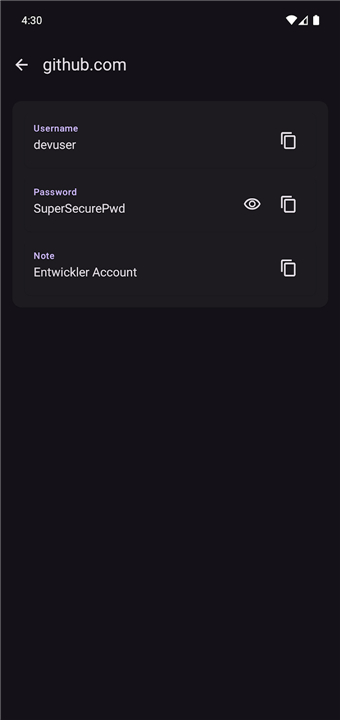
• Built natively with Google’s Material 3 design framework for a clean, modern aesthetic.
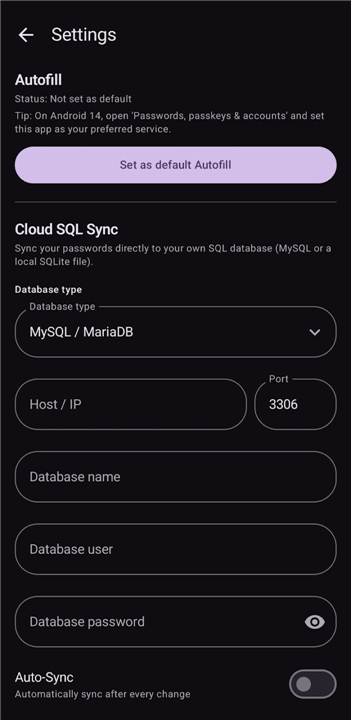
• Adapts seamlessly to your device with dynamic color schemes and an intuitive layout.
• Offers a clutter-free view of your stored accounts for an optimized user experience.
Seamless Data Migration
• Easily import existing credentials from other password managers via standardized CSV files.
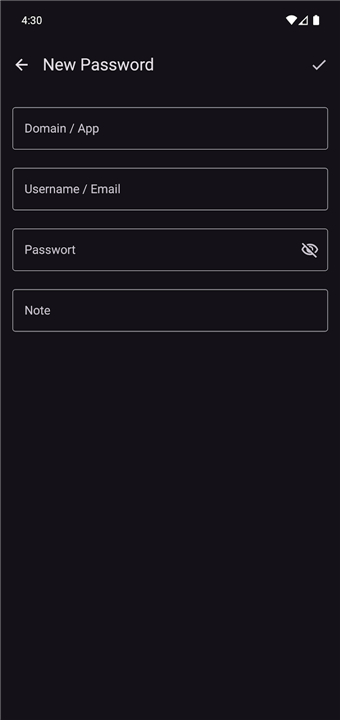
• Automatically parses and organizes imported accounts, eliminating the need for manual entry.
• Ensures a smooth, hassle-free transition when migrating your sensitive data.
Effortless Credential Handling
• Enables one-tap copying of usernames and passwords directly to your clipboard.
• Accelerates web and app logins without exposing sensitive text on screen.
• Features fast search and sorting capabilities to help you locate specific accounts instantly.
Advanced Security Features
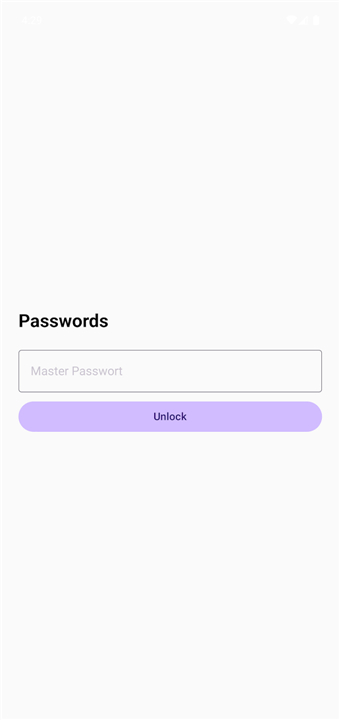
• Protects your entire data vault behind a robust master password.
• Supports biometric authentication, including fingerprint and facial recognition, for quick and secure access.
• Keeps sensitive personal data encrypted, ensuring that only authorized users can unlock the vault.
FAQ
Q: How does Passwords make my online life easier?
A: It simplifies everything by removing the need to remember dozens of different passwords. Passwords stores them all for you, letting you quickly copy account details with just one tap. It also speeds up finding specific accounts with fast search, making your logins much quicker and less stressful.
Q: What does Passwords look like when I use it?
A: Passwords has a very clean and modern appearance, thanks to its design based on Google’s Material 3 framework. It's built to be super intuitive and clutter-free, making it easy to navigate. Plus, it even adapts its colors to match your device, which gives it a nice personal touch!
Q: Can I move my existing passwords from another app into Passwords?
A: Yes, absolutely! Passwords makes it incredibly easy to switch. You can smoothly import all your current logins from other password managers using a standard CSV file. We’ve made sure it’s a hassle-free process to get all your credentials moved over.
Version History
v1.0.1——24 Aug 2026
Secure your online passwords with our encrypted digital vault app. Enjoy biometric login, fast CSV import, and easy credential management. Download the latest version of Passwords to enjoy new features and updates immediately!
*1.0.1
Minor bug fixes and improvements. Install or update to the newest version to check it out!
*1.0.0
Minor bug fixes and improvements. Install or update to the newest version to check it out!
*0.7.1
Minor bug fixes and improvements. Install or update to the newest version to check it out!











Ratings and reviews
There are no reviews yet. Be the first one to write one.