

Flowers Stickers for WASticker APK
1.0
Flowers Stickers for WASticker
Flowers Stickers for WASticker APK
Download for Android
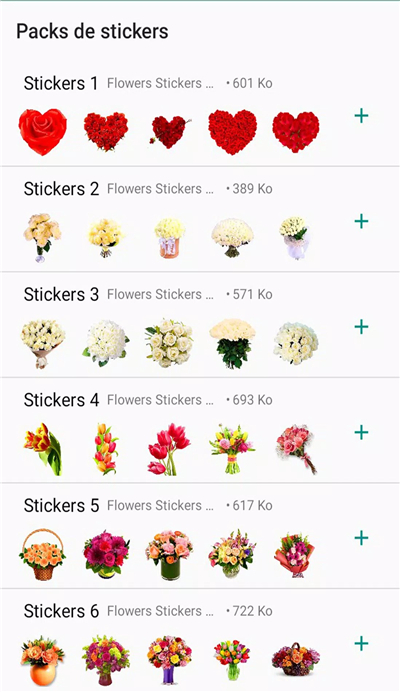
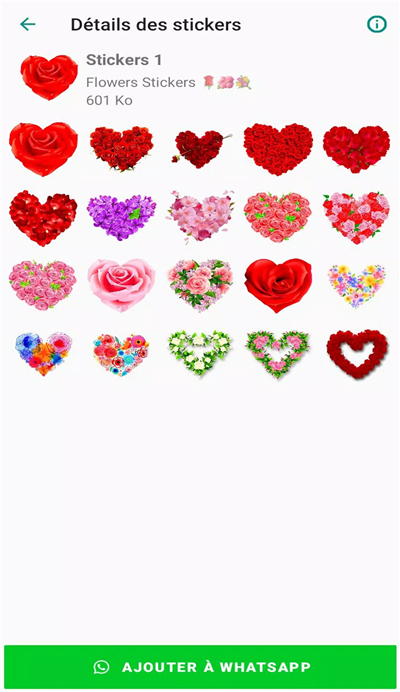
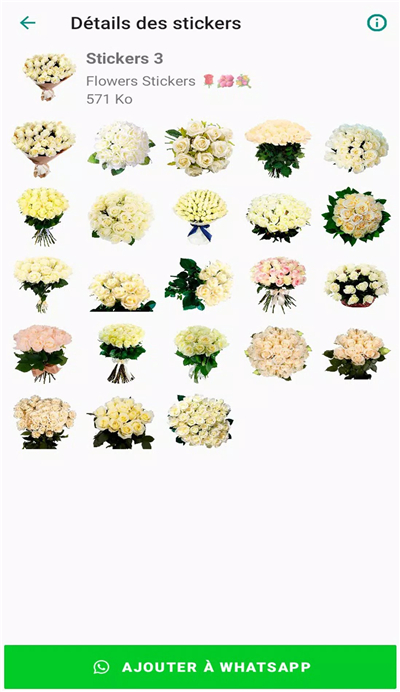
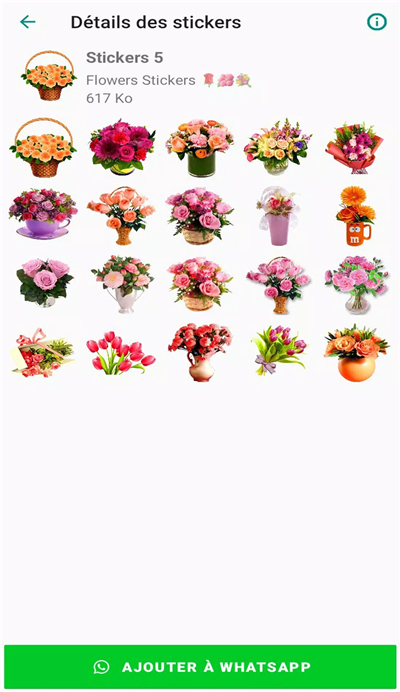
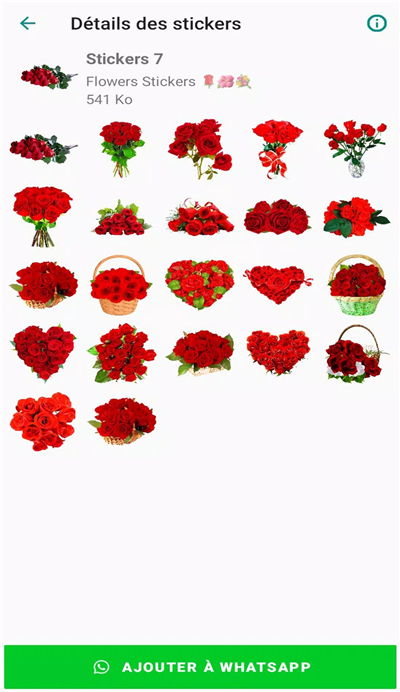
Flowers Stickers for WASticker is a WAStickerApp built for emoji lovers, providing a large number of free WhatsApp emojis and meme pictures. There are now more than 1,000 popular emoji stickers for you to use!
App Features:
Easy to use, user-friendly UI interface, better chat experience, and continuous update of fun emojis;
Support sending multiple emojis at a time, and share sticker packs to WhatsApp with one click.
Sticker Shop will regularly update various interesting stickers and is always looking for ways to improve the user experience. Your feedback is important;
New features for self-made stickers and GIF emojis are being developed recently. If you have any suggestions or questions, please rate us and comment here.
App offers:
1. Add emojis on stickers from the Emoji page
2. With the Brush tool, you can draw anything on the stickers
3. Use the Add to WhatsApp button to add this personal sticker pack to WhatsApp.
4. Use the Create New button and select an image from the camera, gallery, or files (Camera and photo storage permissions are required)
5. Use the Move tool to move or resize the photo
6. To add fun elements such as glasses, beards, and hats, tap Decoration
7. Use the Text option to write anything on the sticker. Change the font or color to make it look good
8. After selecting the image, you can crop, rotate, or flip the image as needed. Use the square crop and select the full image as needed. When you are done, tap Crop
9. To remove the background of the photo, click the Eraser. Touch and move the eraser as needed, then click Save
10. If you make a mistake, use the Undo or Redo button
11. Once you have completed your design, click Save.
12. Click the + Plus button to add more stickers to the sticker pack. Choose a name for your pack and click Save
What's New in the Latest Version 1.0
Last updated on Feb 7, 2023
Minor bug fixes and improvements. Install or update to the newest version to check it out!









Ratings and reviews
There are no reviews yet. Be the first one to write one.