

OSS PDF Document Scanner, OCR APK
1.25.0
OSS PDF Document Scanner, OCR
OSS PDF Document Scanner, OCR APK
Download for Android
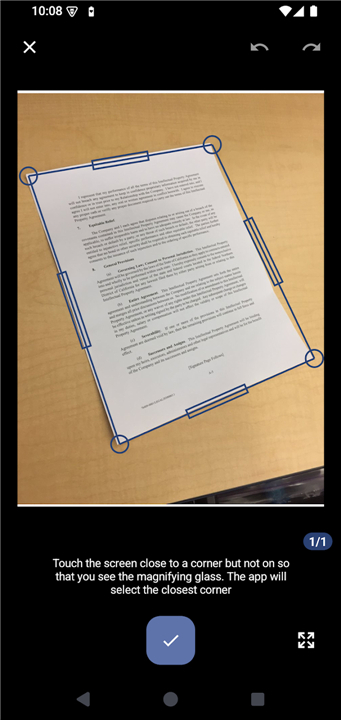
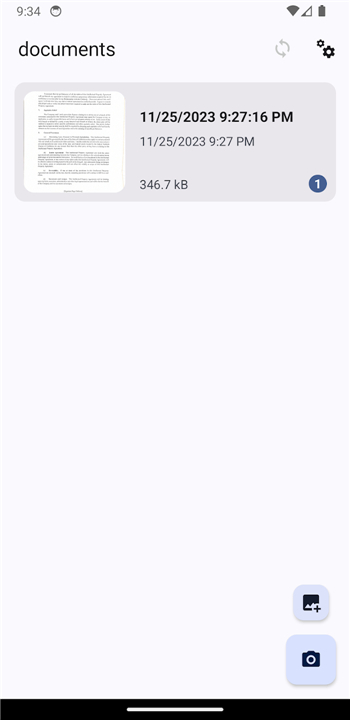
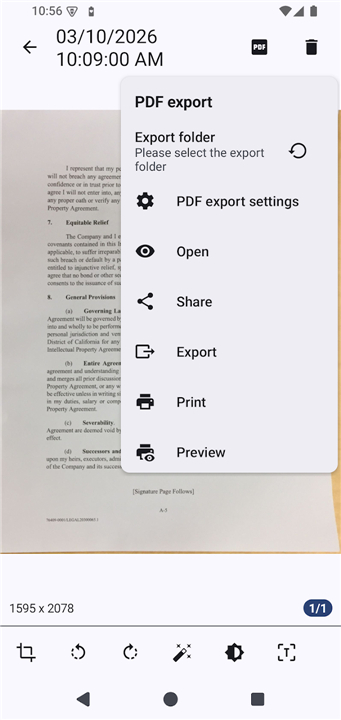
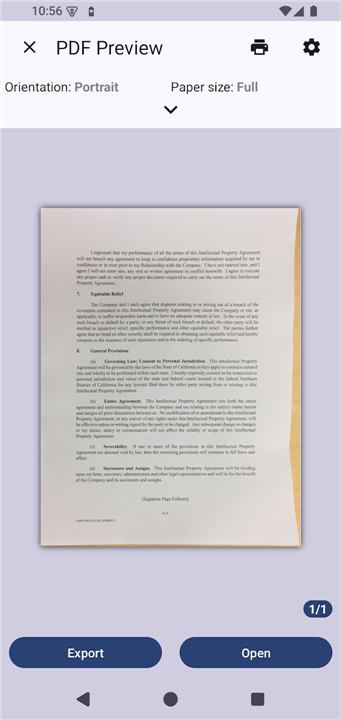
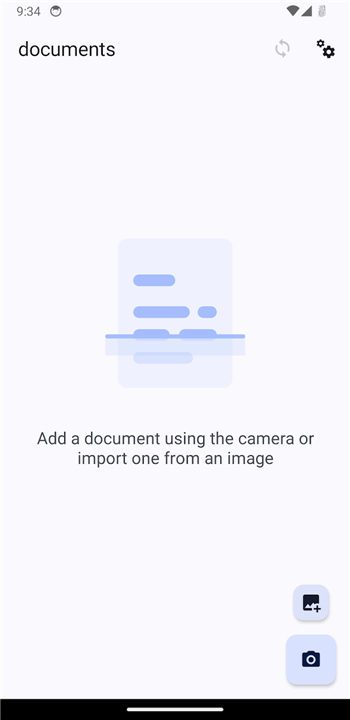
OSS PDF Document Scanner
Turn Your Phone into a Full‑Featured Scanner
1. Scan
• Capture receipts, IDs, notes, recipes, photos, business cards, whiteboards, or book pages with a fast camera‑based scan.
• Automatic edge detection lets you snap multiple pages in seconds.
• Bulk‑scan whole documents or books, and import existing images or PDFs.
2. Enhance
• Apply filters to boost color or black‑and‑white quality.
• Crop, rotate, reorder, or merge pages at will.
• Adjust brightness and contrast for crystal‑clear results.
3. Organize
• Create colour‑coded folders for instant access.
• Sort and rename files to keep your library tidy.
4. Export
• Convert photos, images, or other files into polished PDFs directly on your device.
• Share the output as PDF, JPEG, or PNG with anyone you choose.
5. Search (OCR)
• Run offline, open‑source OCR models in many languages (download once).
• Turn scanned images into searchable PDFs using the powerful Tesseract engine.
6. Security
• Protect any PDF with a password to keep sensitive information safe.
7. Sync
• Keep your scans synchronized across computers, phones, or local folders.
• Connect via WebDAV, Google Drive, or OneDrive for seamless backup.
8. Privacy
• Because it’s free and open source, you retain full control over your data.
9. Community
• Contribute feedback, translations, or code.
• Join a growing community that’s building the best free document scanner for everyone.
FAQ
Q: Can I scan multiple pages or an entire book in one go?
A: Absolutely. The app’s edge‑detection algorithm works in real time, so you can snap page after page without stopping. When you’re finished, the app assembles the images into a single PDF, making bulk‑scanning a smooth, seconds‑long process.
Q: What kinds of documents or objects can I scan?
A: Anything that fits in the camera frame can be scanned: paper receipts, IDs, handwritten notes, recipes, photographs, business cards, whiteboard scribbles, and even printed book pages. The scanner adjusts to both color and black‑and‑white material, giving you flexibility for any situation.
Q: How does the enhancement feature improve my scans?
A: After a capture, you can apply a range of filters that boost color vibrancy or sharpen black‑and‑white text. The app also lets you crop, rotate, reorder, or merge pages, and you can fine‑tune brightness and contrast manually. The result is a crystal‑clear PDF that looks as good as a professional scan.
Version History
v1.25.0——27 Aug 2026
Scan PDF, receipts, documents with OCR. Private and open source Download the latest version of OSS PDF Document Scanner, OCR to enjoy new features and updates immediately!
*1.25.0
Features:
- implement trash system with restore support
- add "delete after sync" option for PDF/image sync services
- add folder filtering to all sync services
- add per-sync-service folder filtering
Bug fixes:
- whitepaper enhancement fix (revert to last version)
- export filename was removing characters which should not be removed
- you can now search through settings
Code refactoring:
- improve type safety and add filter behavior comment
- Translations update
*1.23.3
Bug fixes:
- when added documents from sync, add them to the correct "index" based on sort
- when syncing data now delete documents are also deleted from other devices. For now a bit dangerous. But trash feature is coming
- only sync PDF and run OCR when necessary
- make sure camera can capture with highest resolution
- choose camera highest resolution by default
- Translations update
*1.23.2
Bug fixes:
- update folders correctly on folder change where there are only folders
- Translations update











Ratings and reviews
There are no reviews yet. Be the first one to write one.