

Robot36 - SSTV Image Decoder APK
2.15
Robot36 - SSTV Image Decoder
Robot36 - SSTV Image Decoder APK
Download for Android
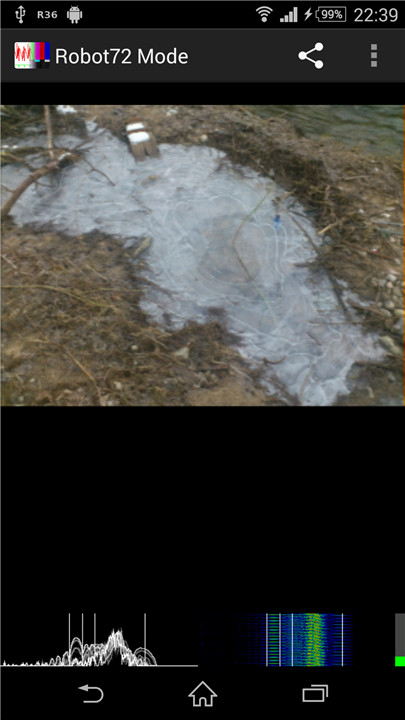
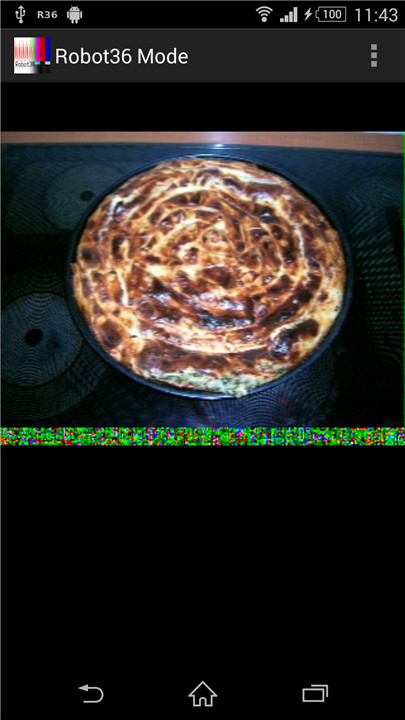
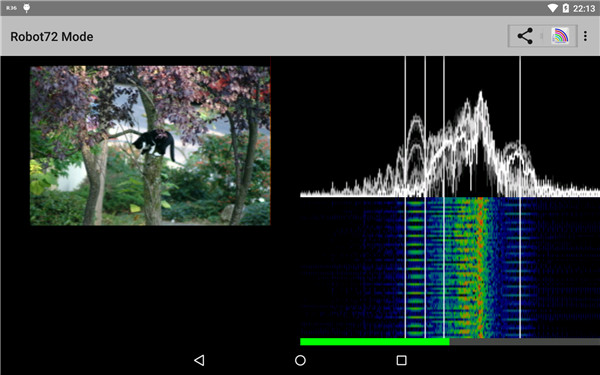
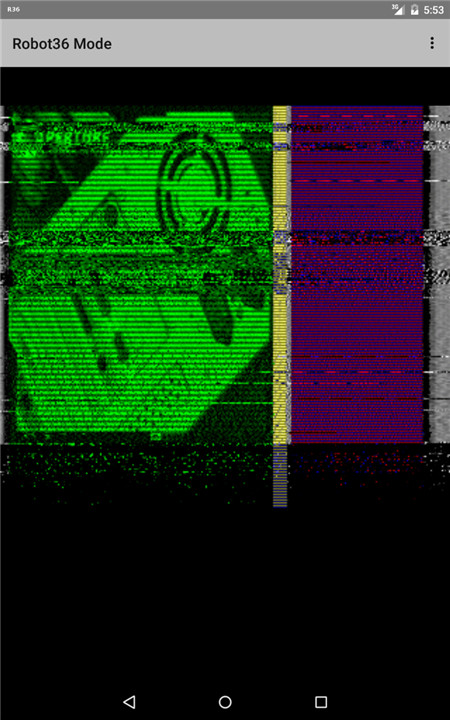
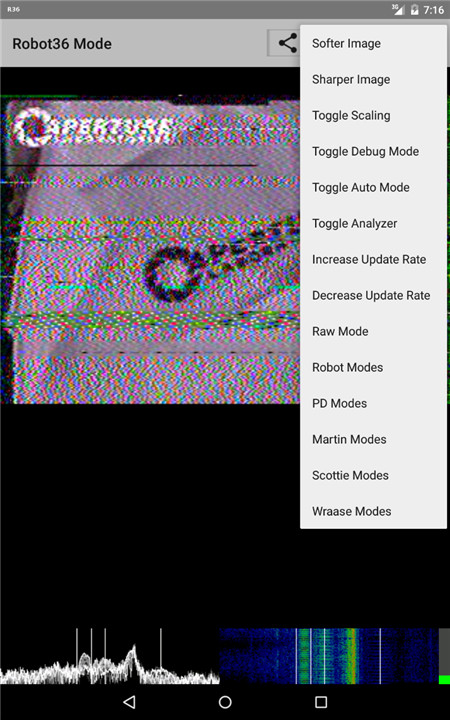
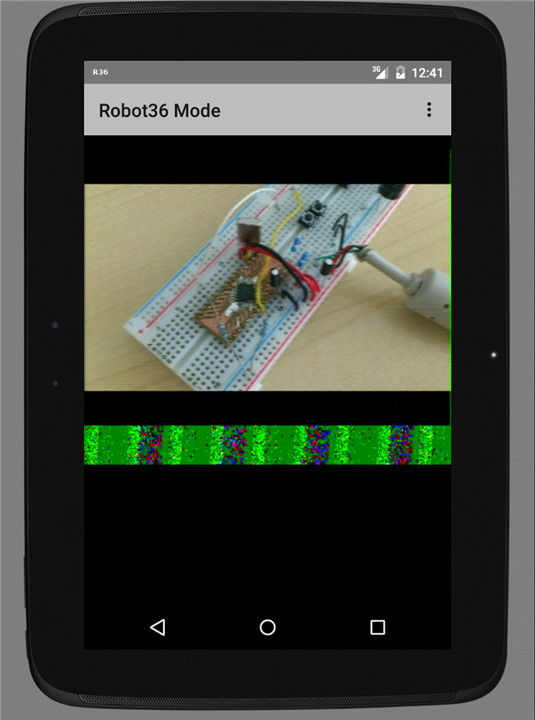
The following SSTV (Slow Scan Television) modes are currently supported:
+ Robot Modes:
The Robot modes include 36 and 72. These modes are known for their efficiency in transmitting visuals while maintaining a decent quality.
+ PD Modes:
A selection of PD (Pixel-Delivery) modes is offered, including modes 50, 90, 120, 160, 180, 240, and 290. Each mode features distinct specifications tailored to various requirements and preferences in SSTV image transmission.
+ Martin Modes:
Two Martin modes are available: mode 1 and mode 2. These options cater to users interested in leveraging SSTV technology.
+ Scottie Modes:
Scottie modes consist of mode 1, mode 2, and the DX mode. These are particularly favored by amateur radio operators due to their adaptability and image quality.
+ Wraase Mode:
The Wraase mode SC2-180 is also included, expanding the range of choices for users.
It's worth mentioning that older black-and-white modes or those not currently supported can still be accessed in "Raw" mode. This feature allows users to examine non-supported modes, ensuring they can analyze SSTV signals even if they aren't officially recognized by the system.
When the software detects the calibration header of a supported mode, it will automatically save the resulting image in the "Pictures" directory. Users can easily access and view these images in their gallery, simplifying the management and review of captured SSTV transmissions.
Moreover, with the introduction of version 2, a notable change in functionality has occurred: the decoder will no longer support background operation. Users should take note of this adjustment, as it may affect their ability to multitask while using the SSTV software.
FAQ
Q: What are the PD (Pixel-Delivery) modes available in SSTV?
A: The PD modes available in SSTV include 50, 90, 120, 160, 180, 240, and 290. Each mode has distinct specifications tailored to various requirements and preferences in SSTV image transmission, making them suitable for different scenarios and user needs.
Q: What are the Martin modes in SSTV, and how are they used?
A: The Martin modes available in SSTV are mode 1 and mode 2. These modes cater to users interested in leveraging SSTV technology for various applications, such as hobbyist radio operations and experimental transmissions.
Q: What is the Wraase mode, and what is its significance?
A: The Wraase mode SC2-180 is included in the supported SSTV modes. This mode expands the range of choices for users, offering an additional option for image transmission with specific characteristics that may be preferred in certain scenarios.
Version History
v2.15——6 Mar 2025
Decodes Slow Scan Television images from audio Download the latest version of Robot36 - SSTV Image Decoder 2.15 to enjoy new features and updates immediately!
Minor bug fixes and improvements. Install or update to the newest version to check it out!









Ratings and reviews
There are no reviews yet. Be the first one to write one.