

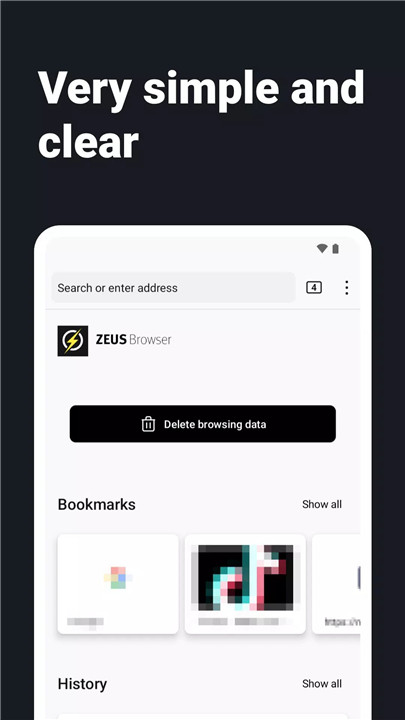
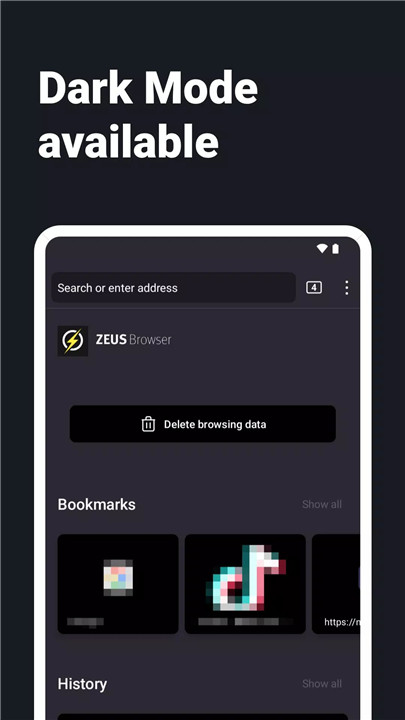
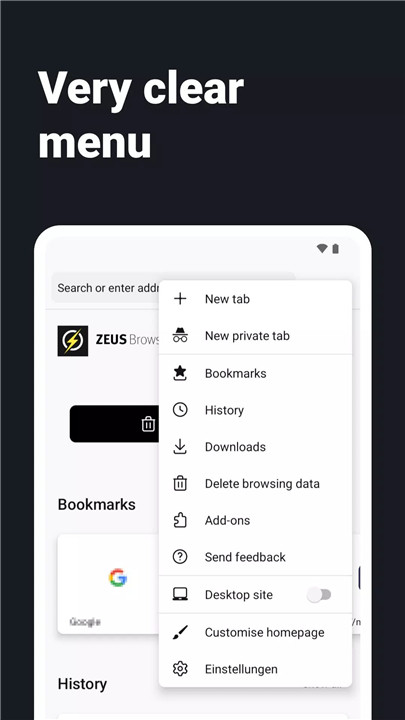

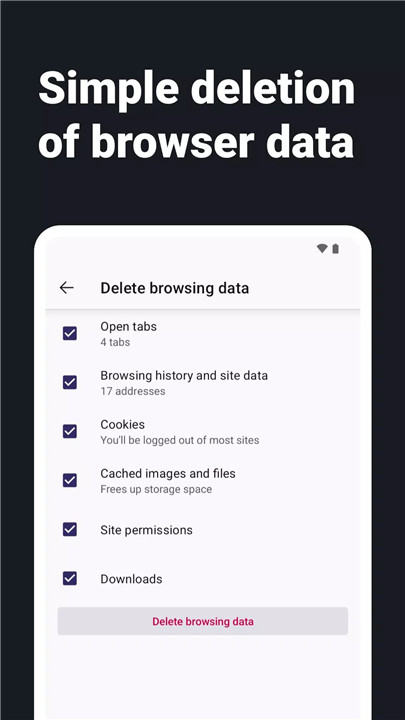

ZEUS Browser is a unique and free web browser designed for use on your TV. With an interface optimized for TV control, it allows users to effortlessly browse the internet using just a TV remote control. With additional features like incognito mode, web bookmarks, and integration with the ZEUS Remote app, browsing the internet has never been easier on your TV.
Incognito Mode
Privacy is crucial when browsing the internet, and ZEUS Browser understands that. The Incognito Mode allows you to surf the web without saving any browsing history. This means you can browse sensitive information without worrying about leaving traces behind. Perfect for those who want to keep their browsing activity private.
Web Bookmarks
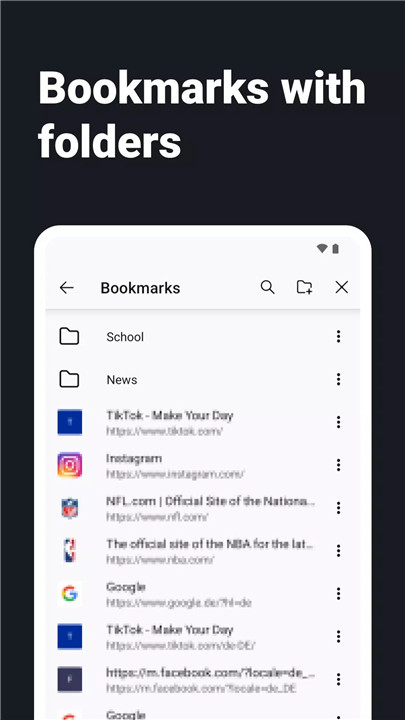
To make your browsing experience even more convenient, ZEUS offers a Web Bookmark feature. This allows you to easily save your favorite web pages for quick access later.
Browsing History
For users who prefer to revisit past pages, ZEUS also provides a comprehensive Browsing History feature. All your previous web visits are stored and organized, allowing you to quickly navigate back to pages you’ve viewed before. This feature adds to the overall ease of use and ensures you won’t have to search for sites you've already visited.
Search Engine
The built-in Search Engine lets you search the internet directly from the ZEUS Browser. Whether you’re looking for information, videos, or news, the integrated search tool ensures you get the results you need quickly and efficiently, all from your TV screen.
Control Videos Easily with Remote Control
Watching videos on your TV has never been more convenient. With ZEUS Browser, you can control videos easily using your TV remote. Play, pause, skip, or adjust the volume without needing any additional devices or complex setups.
ZEUS TV Remote
For even more control, the ZEUS Browser integrates with the ZEUS TV Remote app. By downloading the app on your smartphone, you can use your phone as a remote control for the browser, offering a more flexible and intuitive way to navigate the internet on your TV.
FAQs
1. What is ZEUS Browser?
ZEUS Browser is a free web browser optimized for TV use. It allows users to browse the internet using a TV remote control, offering easy access to web pages, videos, and more.
2. Can I browse privately using ZEUS Browser?
Yes, ZEUS Browser has an Incognito Mode that allows you to browse the web without saving any history, ensuring your online activity remains private.
3. How do I save my favorite websites on ZEUS Browser?
ZEUS offers a web bookmark feature, allowing you to save your favorite pages for easy access. Simply bookmark the page, and you can revisit it at any time.
4. Can I control videos with my remote?
Yes! ZEUS Browser allows you to control videos directly with your TV remote, making it simple to play, pause, or adjust volume while watching content.
5. What is the ZEUS TV Remote app?
The ZEUS TV Remote app allows you to control ZEUS Browser on your TV through your smartphone. It adds flexibility and convenience, enhancing your browsing experience.
Version History
vs1.0.5—1 Jul, 2024
Minor bug fixes and improvements. Install or update to the newest version to check it out!
v7.0.6—16 Jun, 2024
v6.3.5—16 Apr, 2024









Ratings and reviews
There are no reviews yet. Be the first one to write one.