

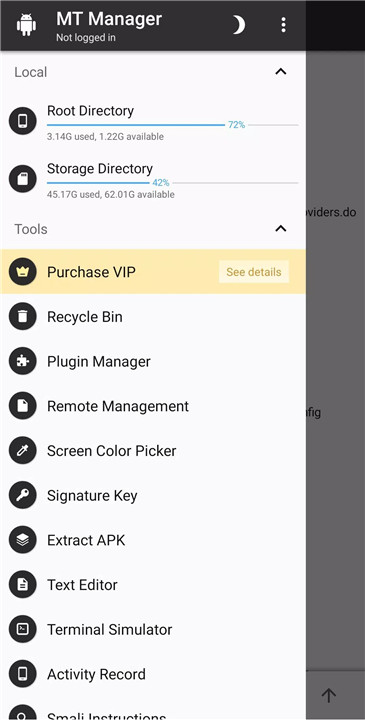
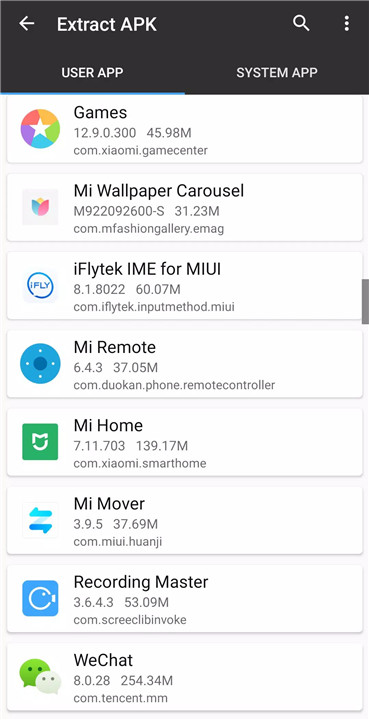
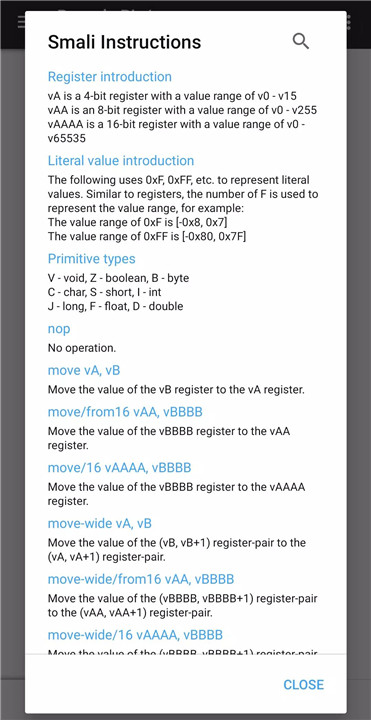
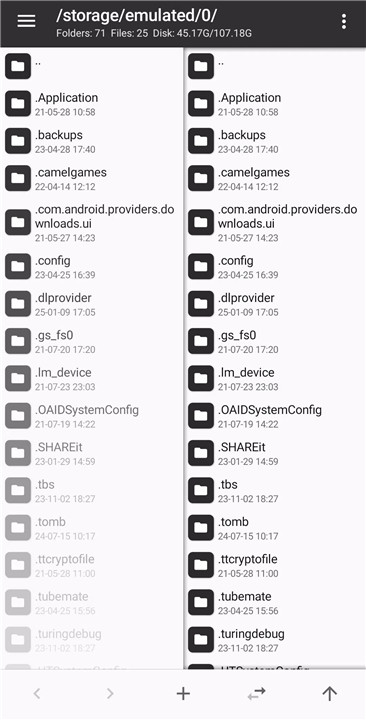
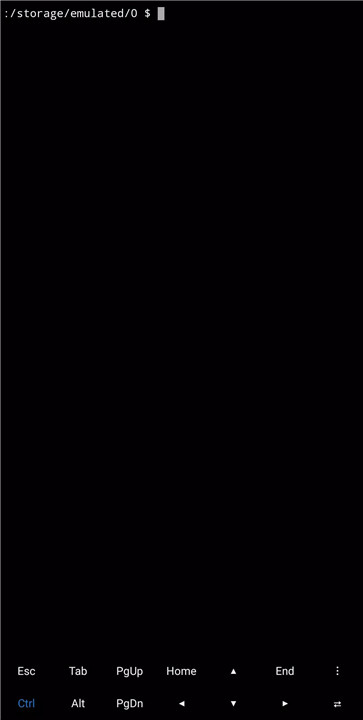
MT Manager is a comprehensive tool for Android users who want full control over their phone’s files and applications. This versatile app allows users to manipulate system directories, edit text and scripts, manage ZIP files, and perform advanced APK editing—making it a must-have for those looking for advanced file management capabilities.
Powerful File Management
MT Manager makes file management on Android simple and efficient. Users can easily copy, move, delete, and organize files on their device. For rooted users, the app unlocks access to system directories, allowing you to remount file systems as read-write and modify file permissions and ownership.
ZIP File Handling
MT Manager also provides robust support for ZIP files. With the app, you can open and manage ZIP archives without decompressing them. You can rename, delete, move, or add external files to ZIP files directly, saving time and improving workflow.
Text Editing and Additional Tools
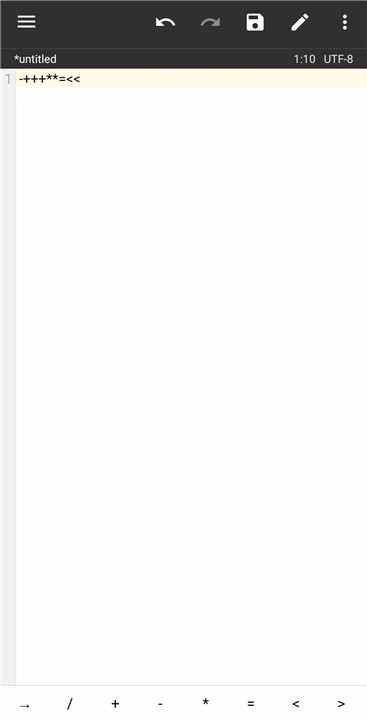
Beyond file management, MT Manager includes a variety of additional tools, such as a text editor, picture viewer, music player, and font previewer. The text editor is particularly useful for making quick modifications to files, while the picture viewer and music player provide a seamless experience for browsing media content.
APK Editing & Translation
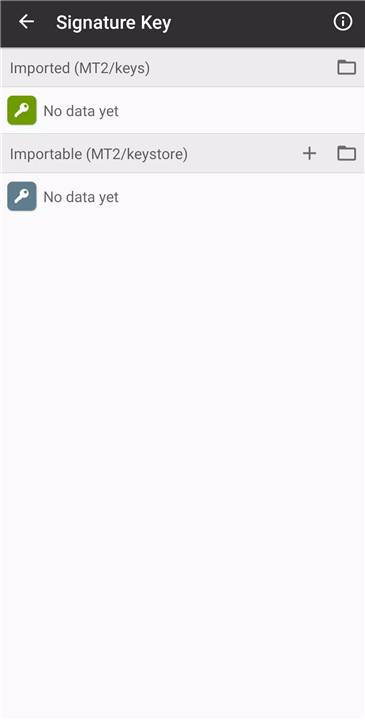
For power users looking to modify apps, MT Manager offers advanced APK editing tools. You can edit DEX, ARSC, and XML code, sign and optimize APKs, and even clone or translate apps. The APK editor is perfect for customizing applications, whether you want to remove signature verification, confuse resources, or add translations.
Root Access for Advanced Control
To unlock the full potential of MT Manager, root access is required. With root privileges, users can gain access to system folders and perform actions typically unavailable on non-rooted devices. This allows for deeper customization, optimization, and management of both user and system applications.
FAQs
1. Is the MT Manager app safe?
Yes, MT Manager is safe to use. It has been verified by VirusTotal as virus-free, so you can trust it without compromising your privacy.
2. Can I install MT Manager on PC?
Yes, you can install MT Manager on your PC by downloading the APK and running it through an Android emulator, such as BlueStacks, for Windows.
3. Can I download a MOD version of MT Manager?
It’s not recommended to download any MOD version of MT Manager. These unofficial versions could compromise your phone's security and performance.
4. What features are unlocked with root access?
Root access allows you to access system directories, modify file permissions, and remount the file system as read-write. This provides deeper control over your device’s files and apps.
5. What APK editing features does MT Manager offer?
MT Manager allows you to edit DEX, ARSC, and XML files, sign, optimize, clone, and remove signature verification from APKs. It also supports app translation and resource confusion for more advanced modifications.
Version History
v2.18.1—10 Mar, 2025
Minor bug fixes and improvements. Install or update to the newest version to check it out!
v2.18.0—10 Feb, 2025
Minor bug fixes and improvements. Install or update to the newest version to check it out!
v2.17.3—20 Jan, 2025









Ratings and reviews
There are no reviews yet. Be the first one to write one.