

Note Launcher - Galaxy Note20 APK
9.5
Note Launcher - Galaxy Note20
Note Launcher - Galaxy Note20 APK
Download for Android
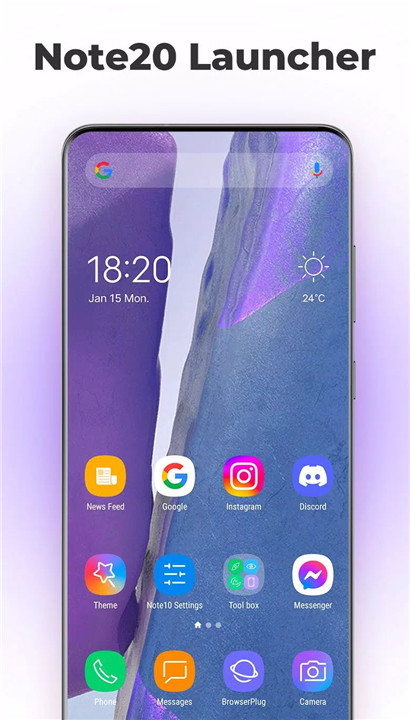
Upgrade your Android experience with Note Launcher, a powerful launcher designed to bring the look and feel of the Samsung Galaxy Note20 to any device running Android 5.0+ (including Galaxy Note9, Note10, and other brands). With over 2000 beautiful themes, customizable options, and privacy features, it’s the ultimate solution to make your device feel like a Galaxy Note20. This launcher is perfect for anyone who loves a fresh, sleek, and efficient user interface.
Galaxy Note20 Theme and Icon Pack
Experience the iconic Galaxy Note20 look with vibrant, eye-catching icons right on your Android device. Note Launcher includes the Note20 theme and icon pack, making it easy to transform your phone into a Galaxy Note20 experience with just a few taps.
Customizable Themes and Wallpaper
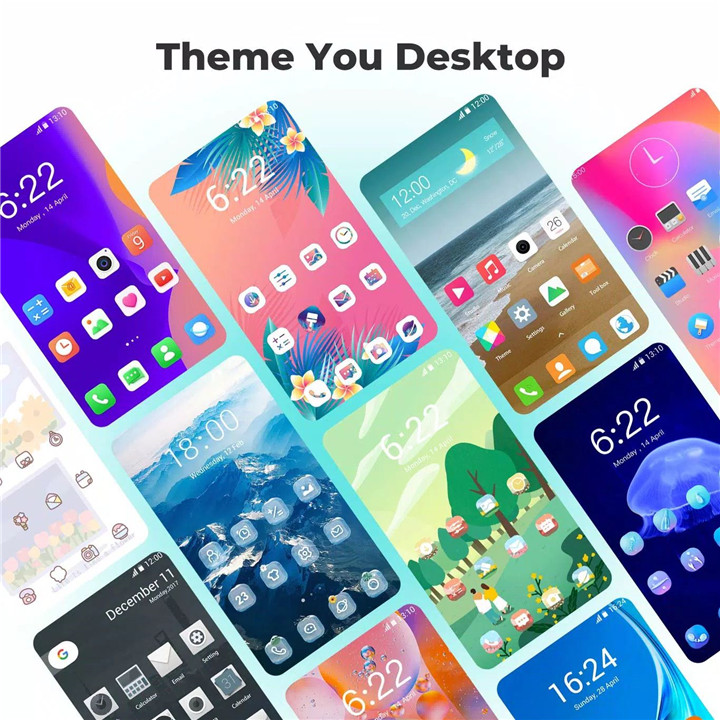
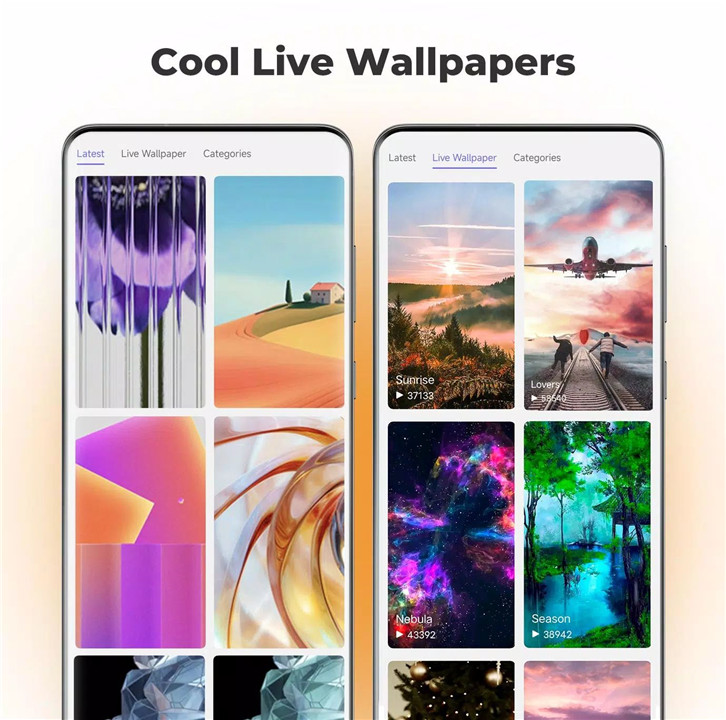
Choose from over 2000 beautiful launcher themes to personalize your device. Note Launcher also provides a variety of stunning online wallpapers, ensuring your phone’s look is always fresh and exciting. Plus, the daily wallpaper feature keeps your home screen changing every day for a new aesthetic.
Privacy and Security Features
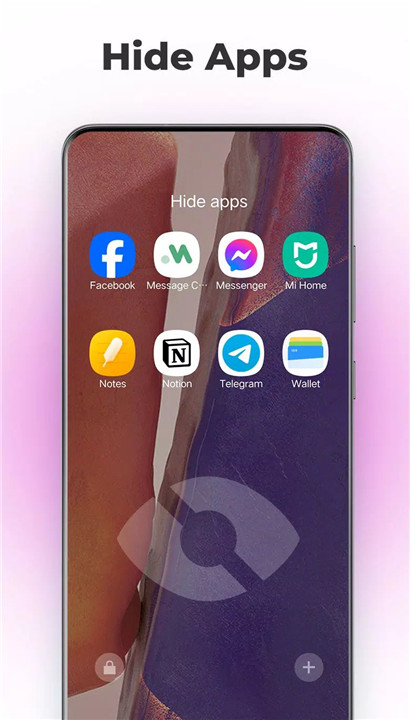
Protect your privacy with Note Launcher's app hide and lock features. Keep sensitive apps safe from prying eyes, giving you full control over your device's security.
Efficient App Drawer and Gestures Support
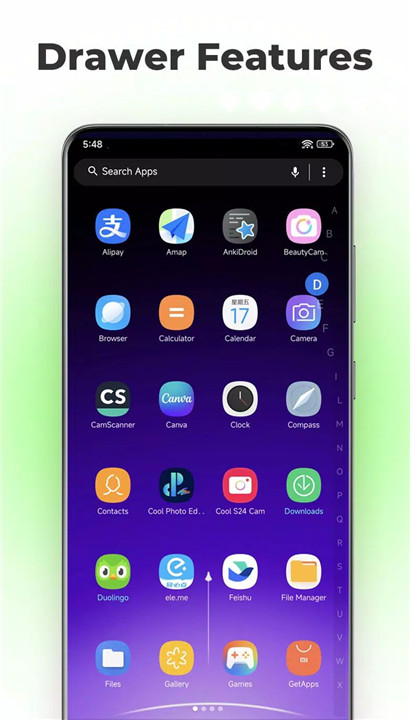
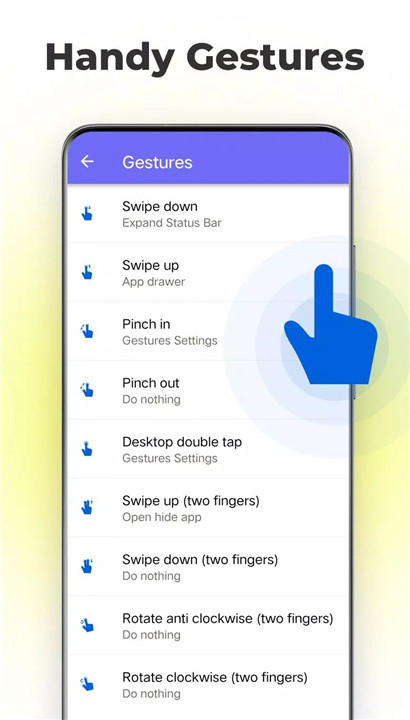
The app drawer in Note Launcher supports both horizontal and vertical styles, giving you the flexibility to choose how you organize your apps. It also features an A-Z sidebar, allowing you to quickly locate any app on your device. With gesture support like swipe up/down, pinch in/out, and double-tap, navigating through your phone becomes effortless.
Fully Customizable Layout and Appearance
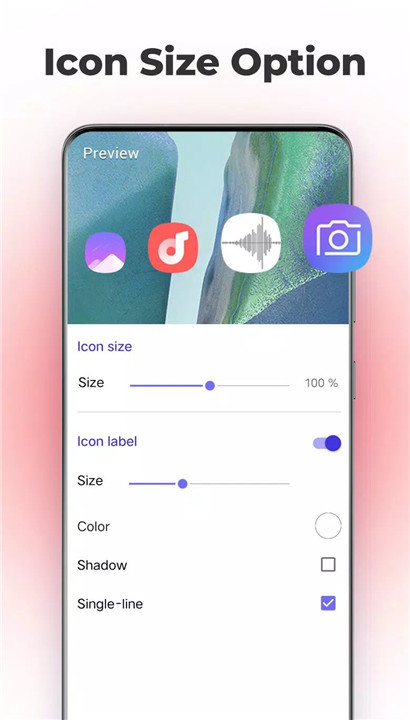
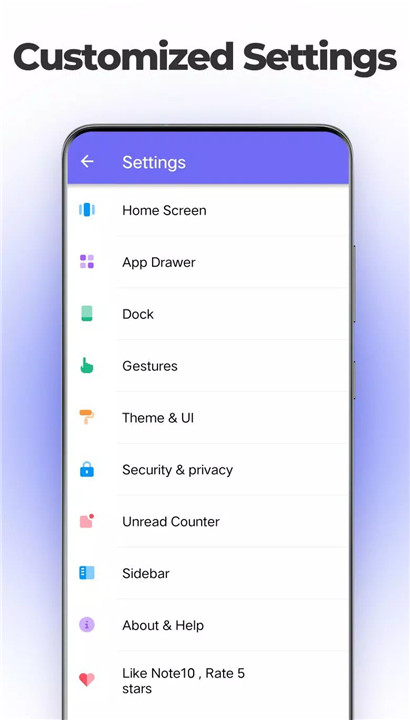
Note Launcher allows you to control every aspect of your home screen. You can adjust grid sizes, icon sizes, icon labels, and even the drawer background color to create a layout that suits your personal taste. The dock background style can be configured to rounded, arc, rectangle, or platform style for a unique look.
Unread Notifications
Get notified of missed calls, unread messages, and emails with the unread counter feature.
Night Mode and Color Mode
Switch to night mode or use the color mode for a personalized visual experience.
Lock Desktop Layout
Prevent accidental changes to your home screen layout by locking the desktop layout.
FAQs
1. What devices can use Note Launcher?
Note Launcher can run on Android 5.0+ devices, including Galaxy Note9, Note10, and other brands of Android smartphones.
2. Can I customize the appearance of Note Launcher?
Yes, you can fully customize Note Launcher by adjusting grid sizes, icon sizes, background colors, and even choosing from over 2000 themes and stunning wallpapers.
3. How does the app drawer work in Note Launcher?
The app drawer supports both horizontal and vertical styles, and includes an A-Z sidebar to quickly locate your apps. It’s designed to make navigation faster and more efficient.
4. Does Note Launcher support privacy features?
Yes, Note Launcher includes the option to hide or lock apps, ensuring that your private information stays secure and accessible only to you.
5. What additional features are included in Note Launcher?
Note Launcher also includes unread notifications for missed calls, messages, and emails, as well as night mode, color mode, and a customizable dock background style for a fully personalized experience.
Version History
v9.5-1 Apr, 2025
1. Optimized the freestyle widgets
2. Optimized the drawer design
v9.4—22 Oct, 2024
1. Fixed bugs
v9.3.1—10 Sep,2024
1. Fix crash bugs









Ratings and reviews
There are no reviews yet. Be the first one to write one.